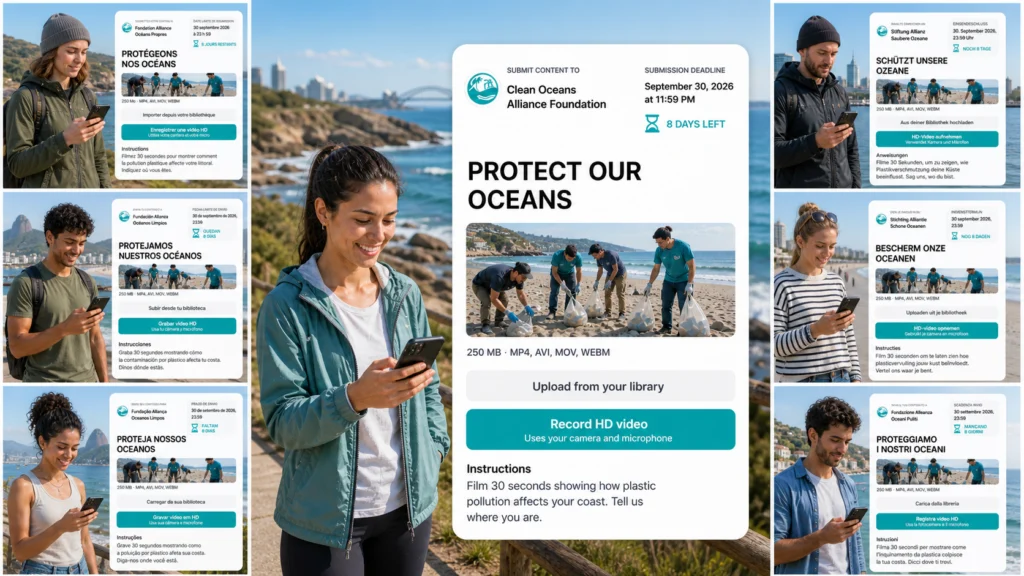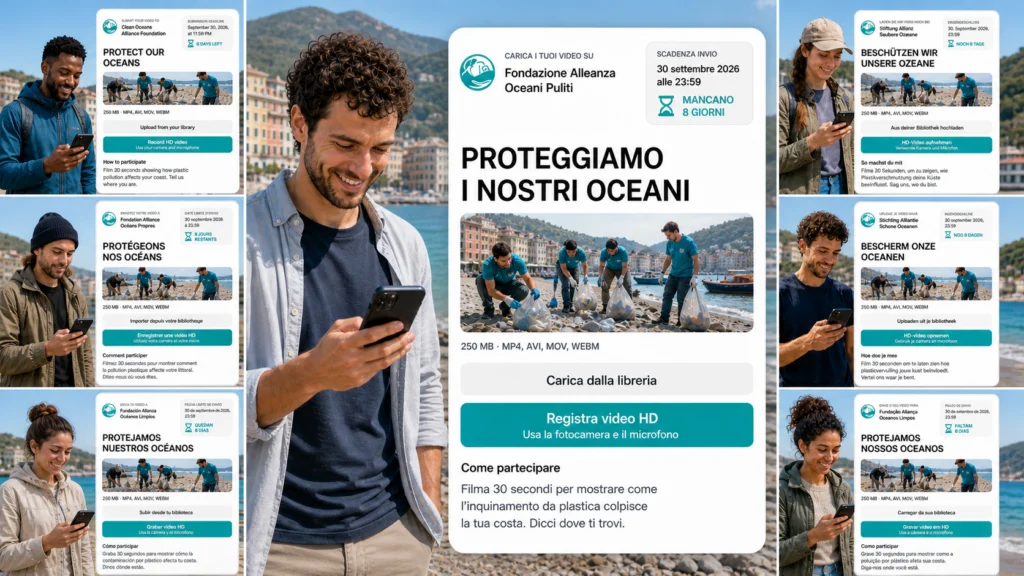
New features and UI refinements make it easier to collect video securely, support contributors in seven languages, review human-origin evidence and produce video in portrait, square or landscape.
SYDNEY, 15 October 2026 — Video submission software Vloggi today announced a major platform update, marking a step change in its video collection and production tools after three months of development. The update improves how organisations invite people to contribute, protect uploads, keep permissions and context with each clip, and turn submissions into useful business outputs.
The update is for teams collecting video from customers, employees, students or communities. It brings eight connected capabilities into one workflow: Collect, Conversations, Context, Consent, Contests, Confirm, Compile and Connect. A team can ask for a video response or file upload, gather the information and permission that explain it, review submissions, then prepare footage for publication, assessment or an operational process.
“A video is more useful when the people receiving it can see where it came from, what the contributor agreed to and what should happen next,” said Justin Wastnage, founder of Vloggi. “We’ve spent this release making those details easier to collect and easier to use, without making the experience harder for the person holding the phone.”
Human-origin evidence in the platform update
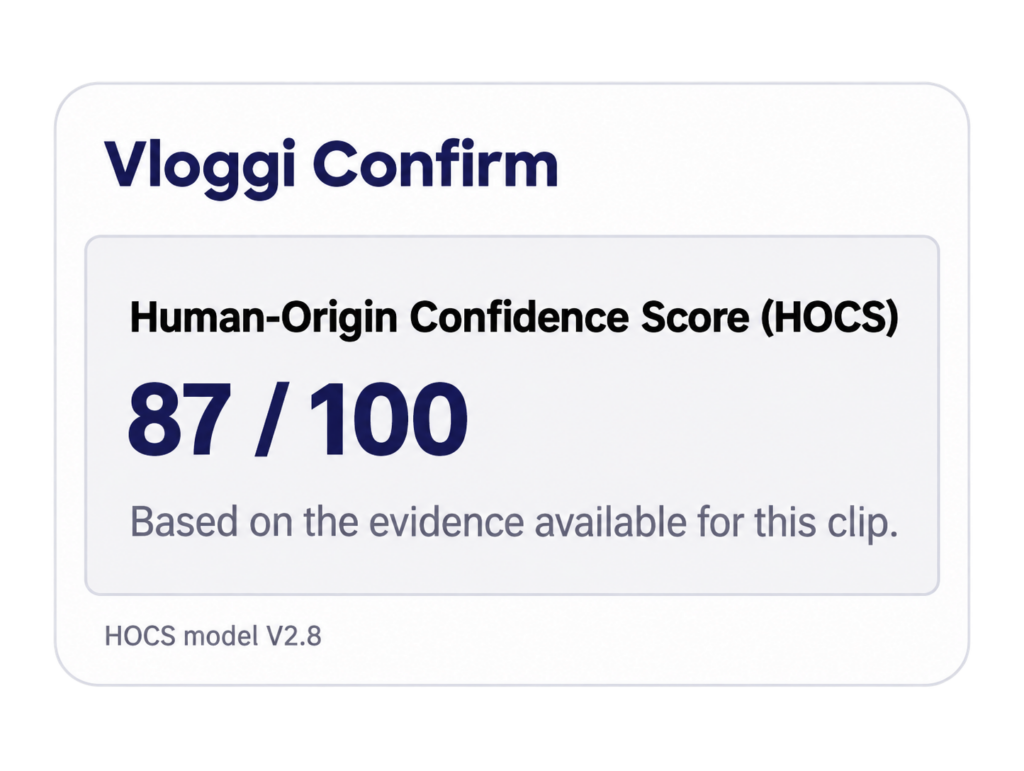
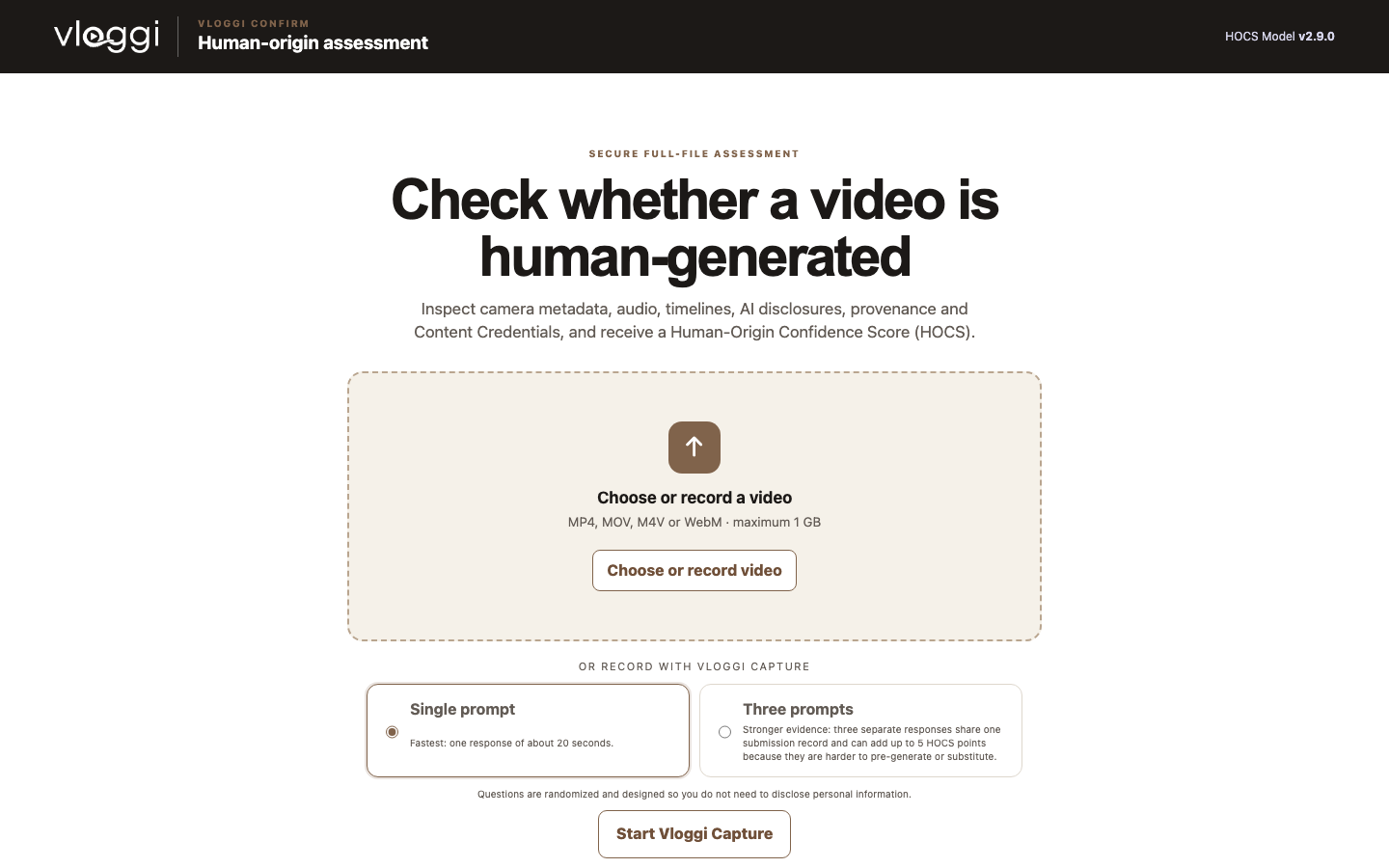
Vloggi Confirm brings available capture details, timestamps, contributor declarations, file-integrity signals and a Human-Origin Confidence Score into a review experience. The score summarises evidence available to the system. It is a confidence aid, not a finding about whether every statement in a video is true.
For organisations that need a record around each contribution, Vloggi can keep contributor answers, project instructions and consent information associated with the submitted clip. Teams can review that context alongside the footage and export contributor and consent records when required.
For technical background on browser-based camera and microphone access, see the W3C Media Capture and Streams specification. Vloggi brings that recording experience into a project workflow with instructions, contributor details and consent.
A more protected upload path

Upload refinements include server-side bot checks, file-bound permissions, checksum verification and malware clearance. Together, these controls help protect the submission process, confirm that a received file has not changed during transfer and ensure that access applies to the intended file.
Project owners can also set the declarations and permissions contributors must complete before they submit. The result is a clearer record of what the project asked for and what the contributor accepted.
Contributor experiences in seven languages
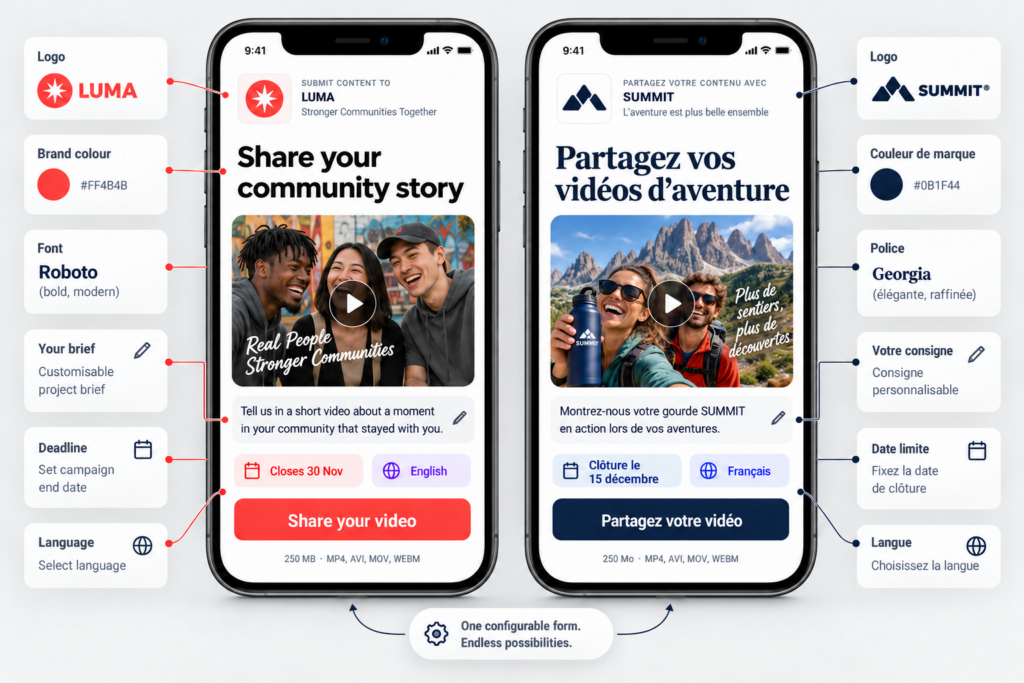
Core contributor controls, messages and upload guidance are available in English, French, Spanish, German, Dutch, Italian and Brazilian Portuguese. Organisers can make the route into a campaign more familiar to contributors while retaining control of the brief, questions and project-specific terms.
Portrait, square and landscape outputs
Teams can select portrait, square or landscape output for supported rendering and download workflows. That gives editors a format suited to vertical social video, square placements or widescreen presentation while keeping the source contribution available for review.
From a call-out to a finished asset

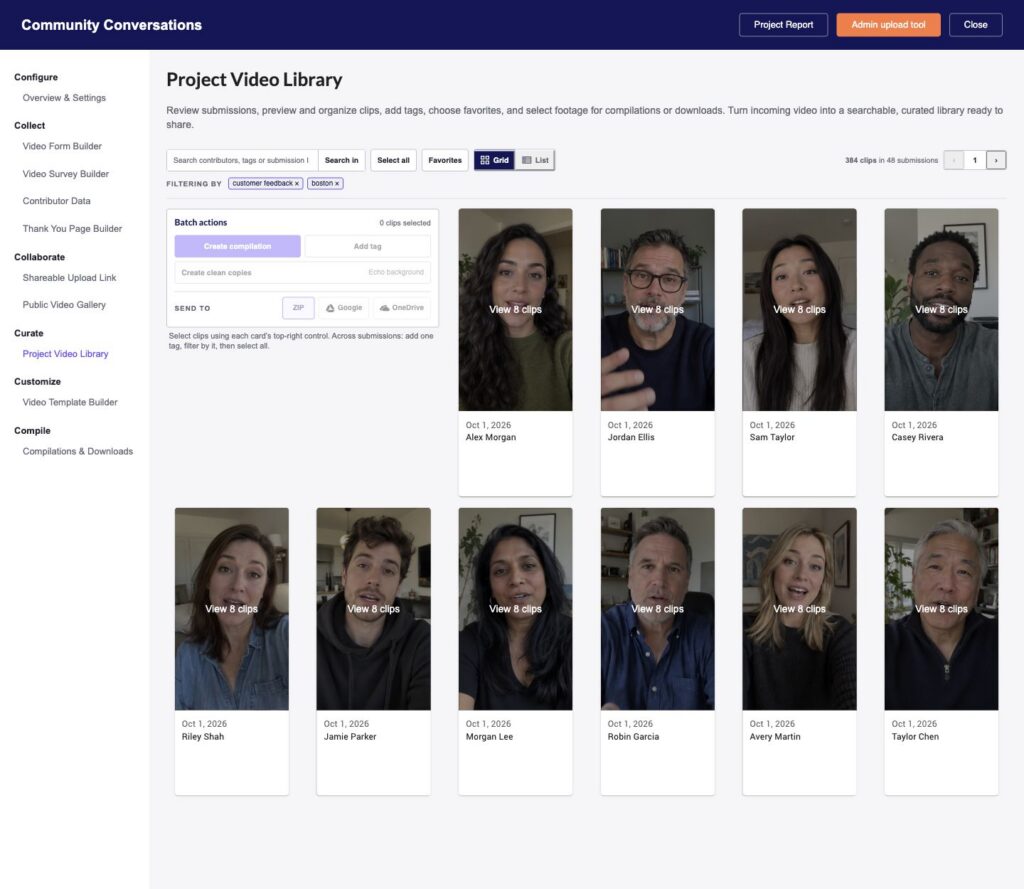
Vloggi’s collection tools support public links, QR codes and embedded video forms. Depending on the workflow, contributors can record in a browser, upload existing footage, answer structured questions or take part in a video conversation. Teams can search, filter, tag and shortlist the resulting clips in a shared project library.
For production, Vloggi Compile uses reusable templates to combine selected footage with titles and supplied contributor or project details. Teams can prepare branded outputs, choose an available video version and download selected files in batches. Where a video submission needs to connect to an existing process, prefilled links and signed submission webhooks can carry the relevant references into another system.
“We want video to fit the work people already do,” Wastnage said. “That might mean choosing performers, gathering customer stories, documenting an inspection or bringing a distributed team into one conversation. The platform should make the collection and handover feel straightforward, while preserving the evidence and permissions behind the footage.”
The refreshed Vloggi website brings product capabilities, use cases, customer stories, plans and guidance into one place. Visitors can explore the platform, review Vloggi Confirm and book a conversation about their workflow.
Explore the new Vloggi website: https://vloggi.com/
See Vloggi Confirm: https://confirm.vloggi.com/
Book a demo: https://vloggi.com/book-a-demo/
A completely refreshed Help Center
We have also overhauled the Vloggi Help Center, with refreshed guides organised around the way you use the platform. Whether you are launching your first call-out or trying a new workflow, you can find practical steps for setting up projects, collecting contributions and creating finished outputs.
Start with the Quick Start Guide, learn how to build a video compilation, or explore how to launch a video contest and invite your audience to vote.
Find your next video project
Explore all Vloggi features, browse UGC video examples and see customer projects in action. The same flexible platform can support customer testimonials, employee feedback, fan campaigns or video evidence and job reports—for internal teams or public audiences.
For repeatable workflows, templated automated video reports can bring required contributions together when configured conditions are met. Teams can also generate branded PDF reports from timestamped footage, where enabled in their workspace. Get started or book a demo to explore what is possible for your team.
About Vloggi
Vloggi helps organizations collect, organise, review and use video from real people. Its platform connects video with the contributor information, permissions and workflow context needed to make submissions useful beyond the upload. Vloggi serves teams across education, media, government, events, retail and operational environments.
Media enquiries
David Binning, Brand Comms Bureau
[email protected] / +61 406 397 033