Vloggi Consent: the easiest way to collect video release forms and manage contributor consent
Video release forms
Clear permission. Confidence on both sides.
Collect video, consent and contributor details together. Make it clear who receives the rights, how personal data is handled and how contributors can review their submission afterwards.
Separate forms and email approvals leave your team matching permissions to files. Contributors are left wondering who received their video, what they agreed to and where their details went.
The solution
Make the agreement part of the contribution.
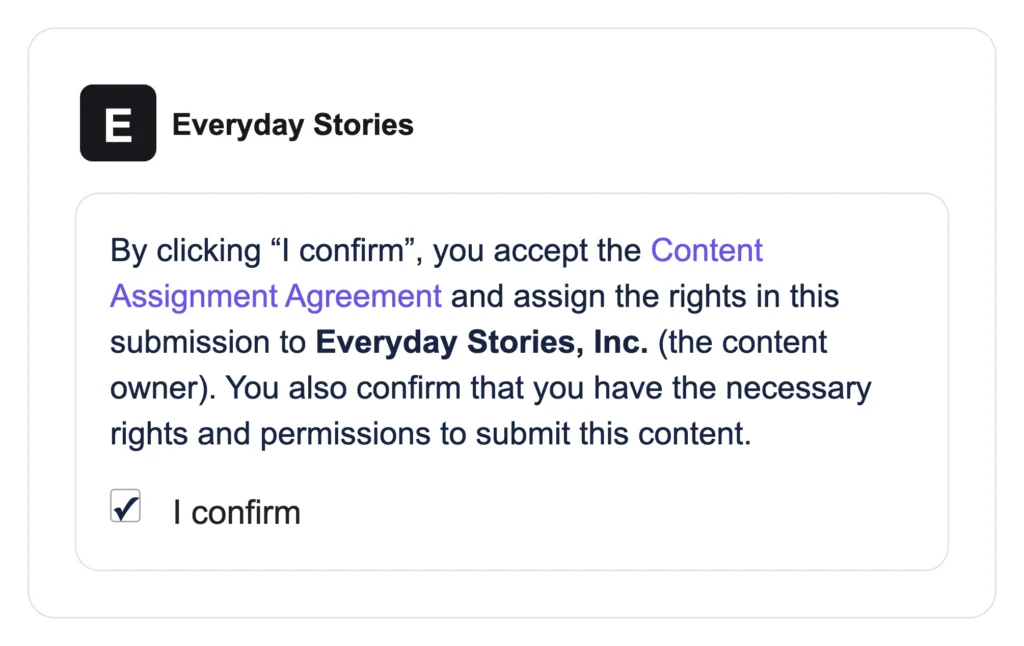
Name the legal entity, link your privacy policy and collect active agreement in the upload journey. Keep the acceptance record connected to the footage—and give contributors a way to review their submission.
Feature spotlight – Submission report
A record they can come back to.
Fictional details
Who received the rights?
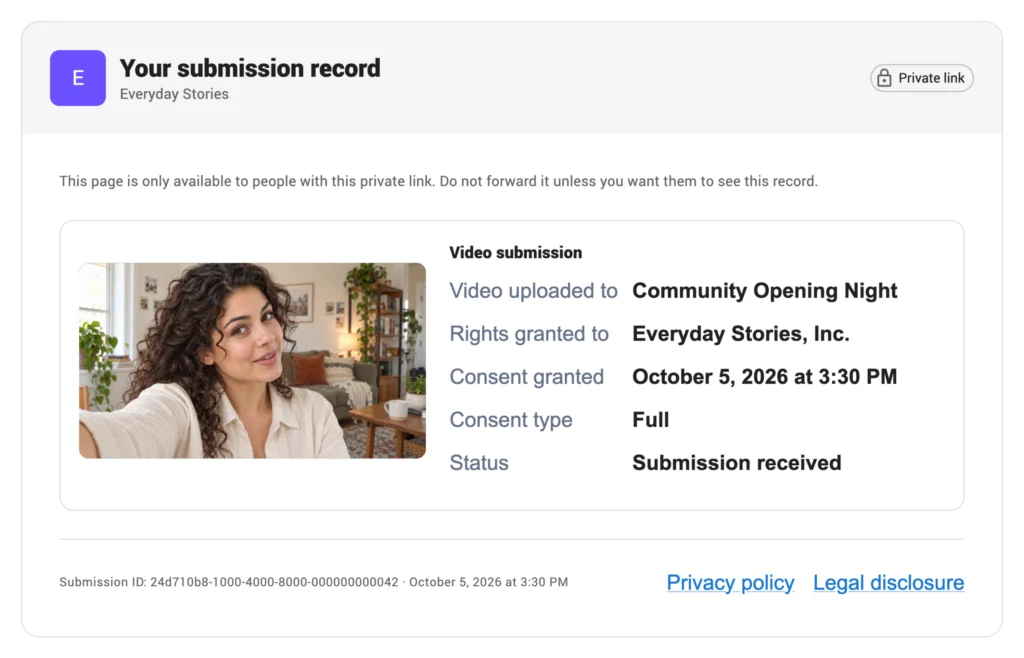
The private record identifies the project and legal content owner. In this example the public team name is Everyday Stories; the rights recipient is Everyday Stories, Inc.
What did I agree to?
When contributors upload a video, they can opt to receive a submission report link. Contributors can then review their video, consent type, recorded date and submission status using their private link.
How is my data handled?
Your privacy policy and legal disclosure remain available alongside the submission record. The receipt explains the categories of information held.
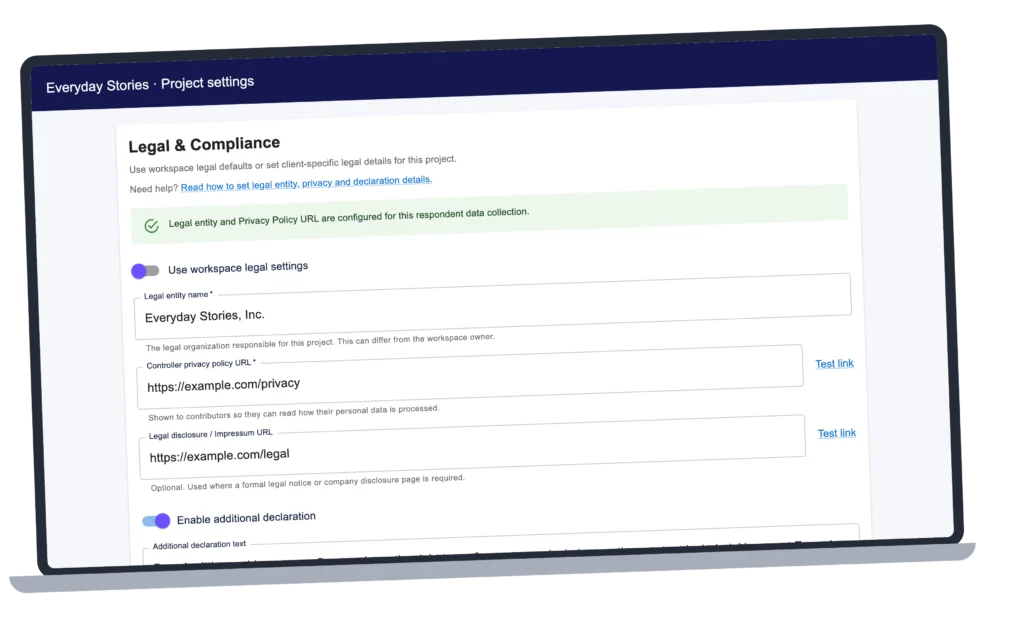
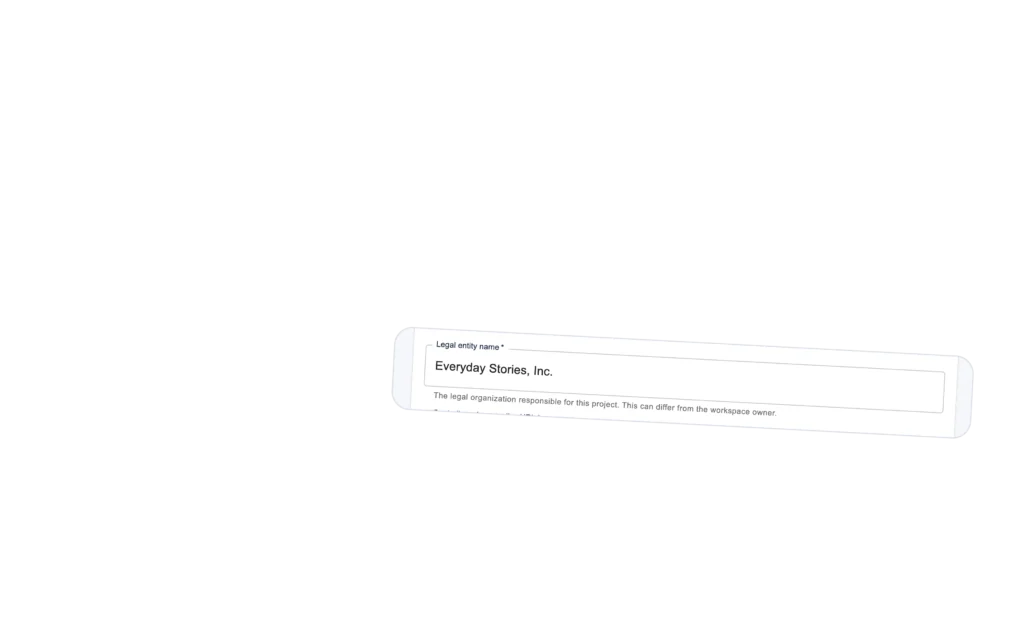
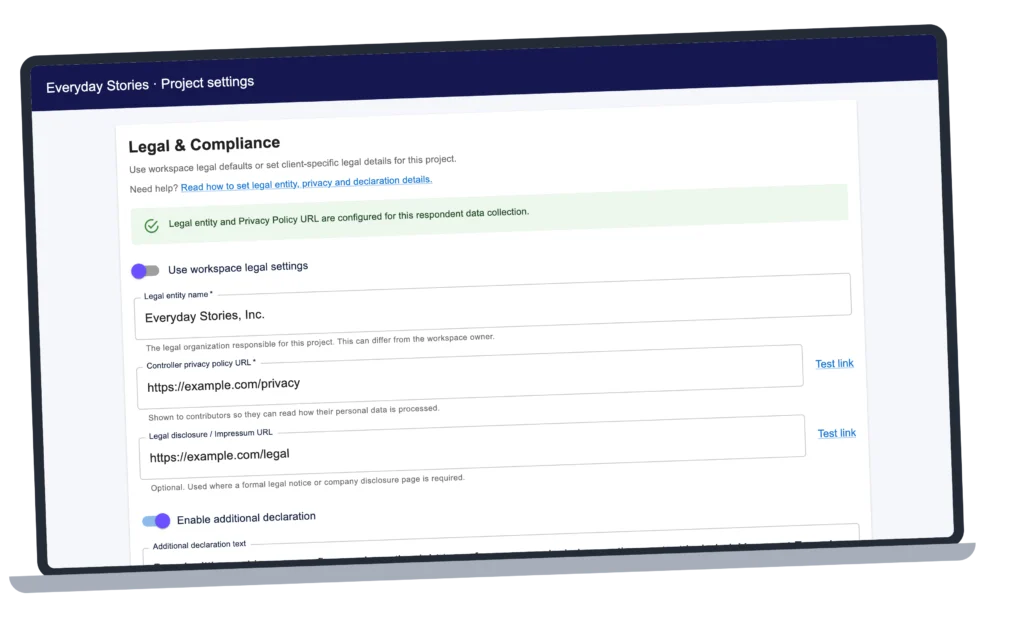
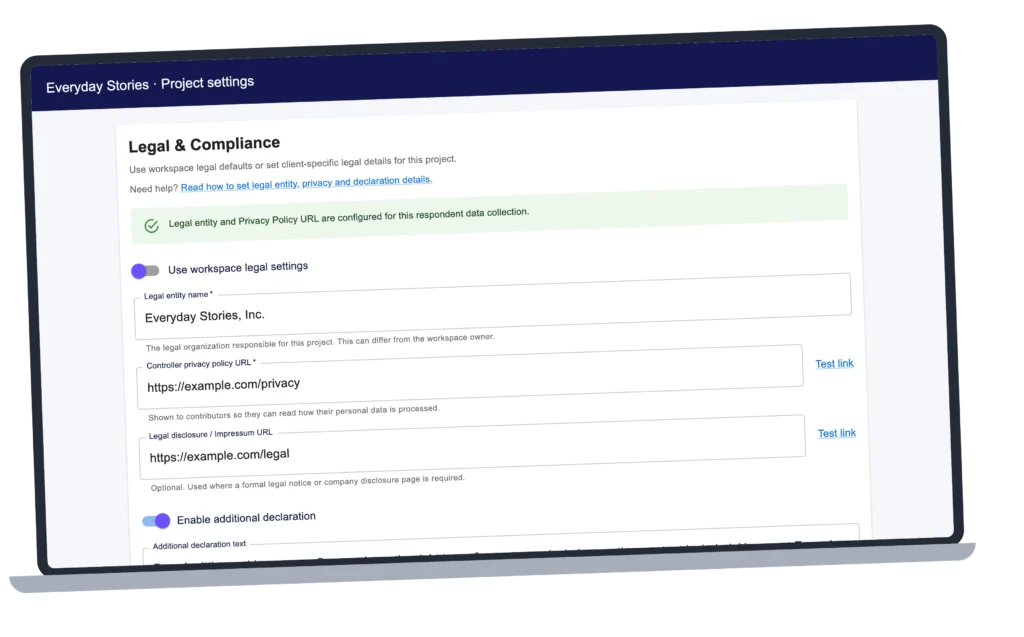
Often the legal name of the rights holder is subtly different from the public name. Use legal defaults or set a different legal entity for an individual project. Your public team name can stay familiar while the assignment names the organization receiving the rights. Configure this in your Vloggi project settings.
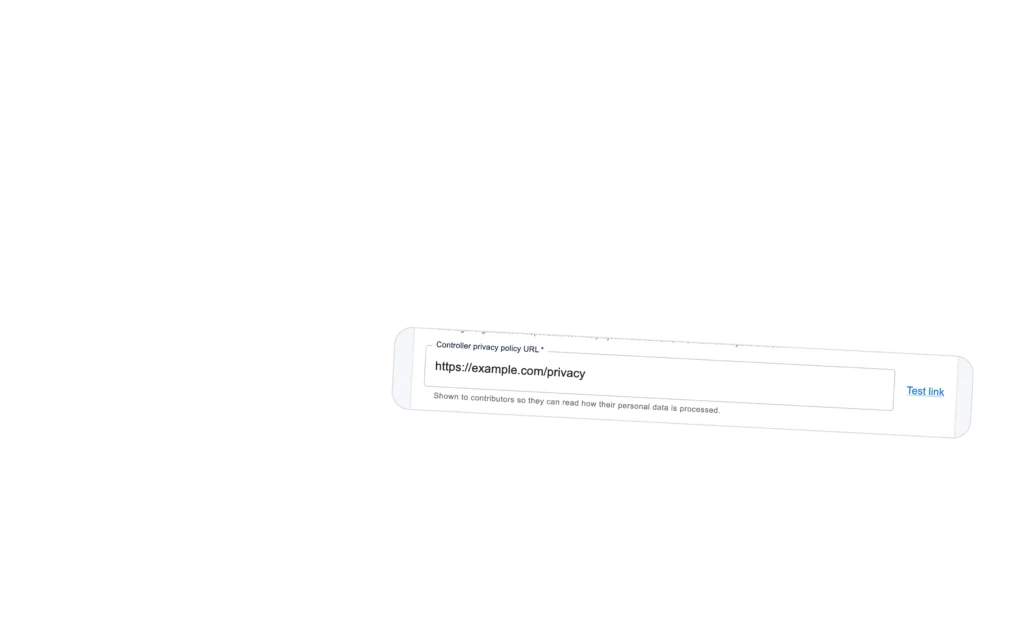
Add your organization’s privacy policy before collecting contributor data. You control how that data is used; contributors need a clear explanation of how you handle, store and retain it. Vloggi processes the data on your behalf. Your policy is separate from Vloggi’s platform privacy notice.
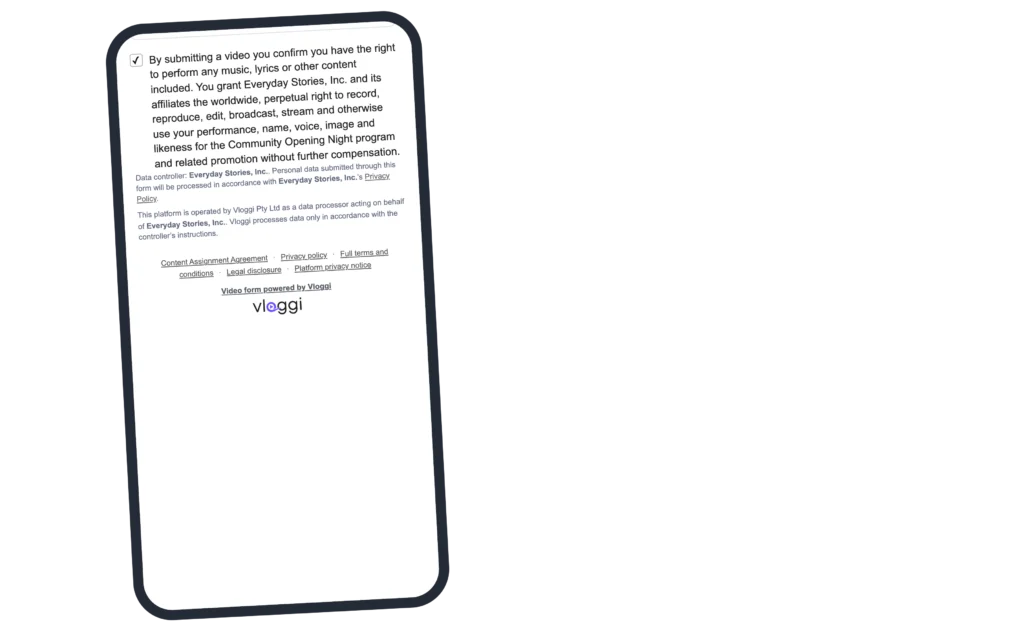
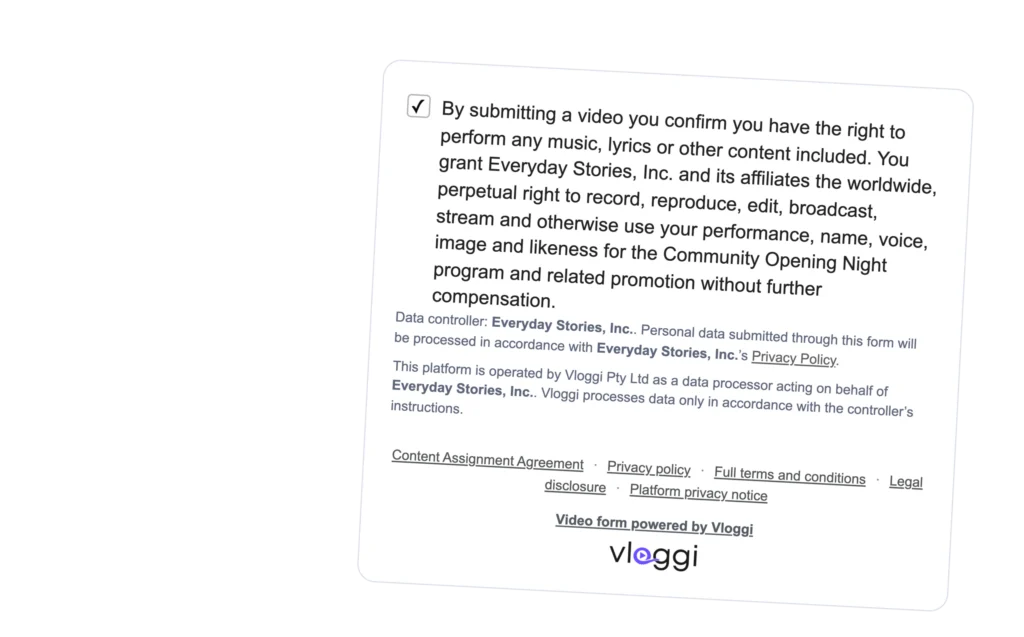
Add a separate declaration for a performance, promotion or other specific use. For example, ask contributors to confirm permission for music and lyrics and explain the rights requested for your event and its promotion. Contributors actively confirm the additional declaration.
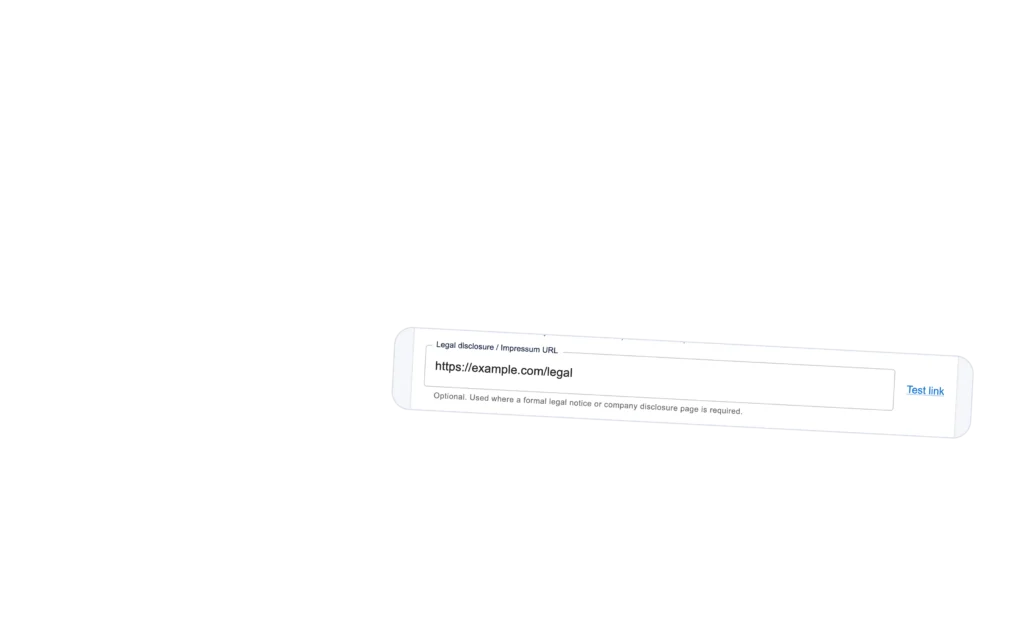
Add an Impressum or other legal-disclosure URL where your organization needs one. Set the appropriate team default or project-specific link so contributors can identify the organization behind the request.
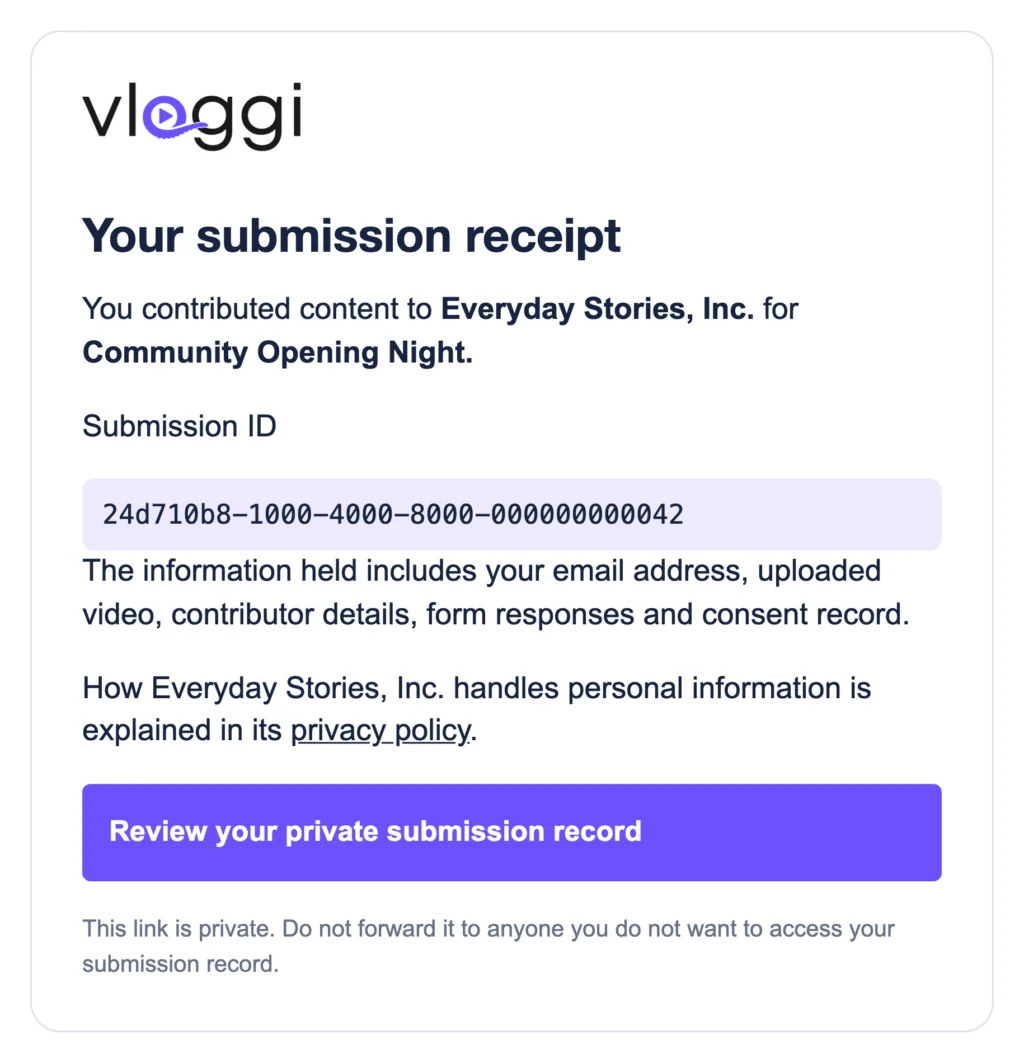
Every submission has a unique reference. Contributors can copy it, download a receipt and request an emailed private link to review their video and consent record.
The email identifies the recipient, project and submission ID. It explains the information held—including video, form responses and consent—and links to your privacy policy and the private record.
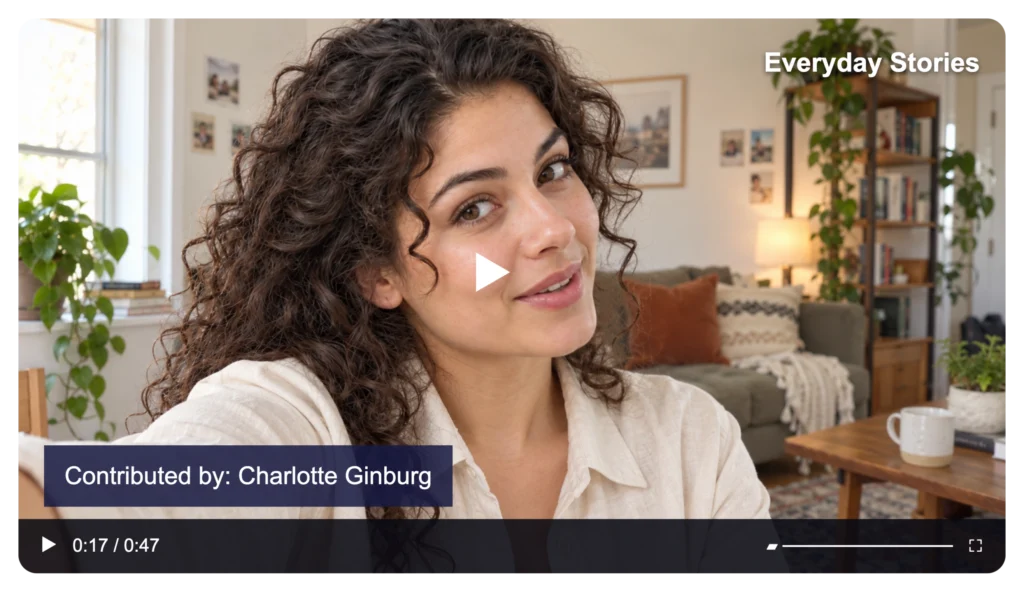
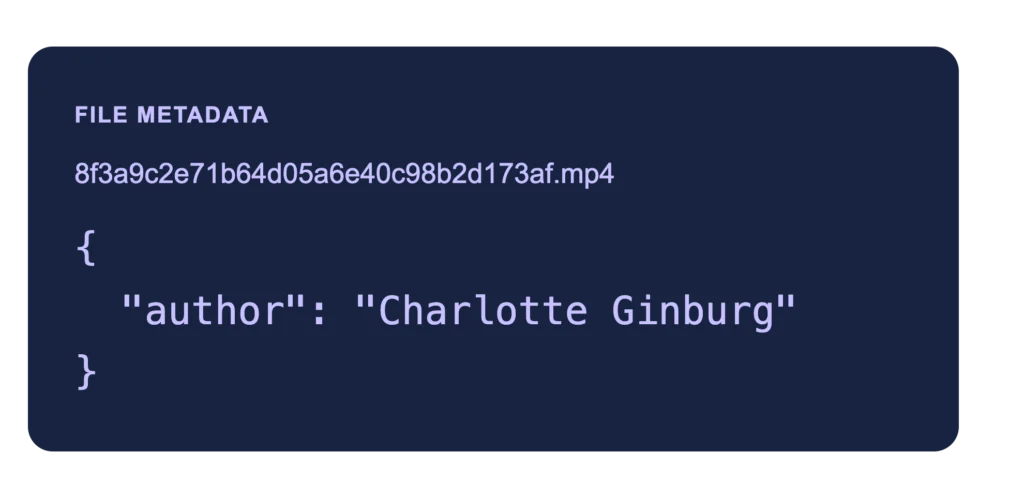
Vloggi embeds the contributor’s name as author attribution in the video file’s metadata. The attribution travels with the file, as well as appearing in the linked submission record.
The example shows author: Charlotte Ginburg—a credit that metadata-reading tools can display later.
How it works
Consent and attribution always. Clearly explained and transparent.
Fictional details
1. Set your legal details
In your Vloggi project settings, check Legal & Compliance. Use team defaults or project-specific details, then review Additional legal settings in your Video Form Builder.
Check your legal entity, privacy policy, disclosure link and any additional declaration before sharing the call-out.
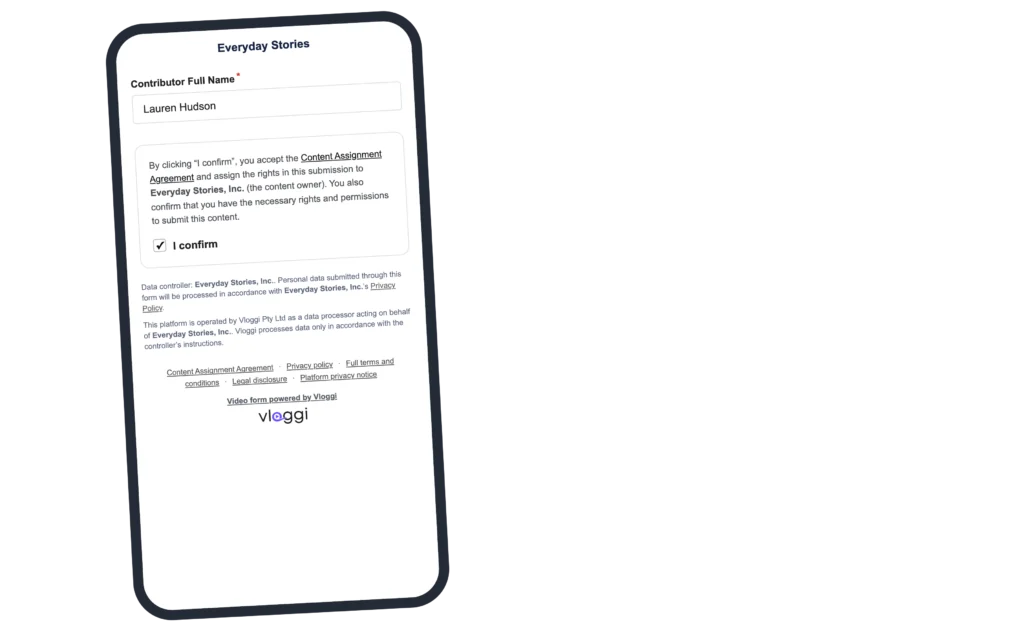
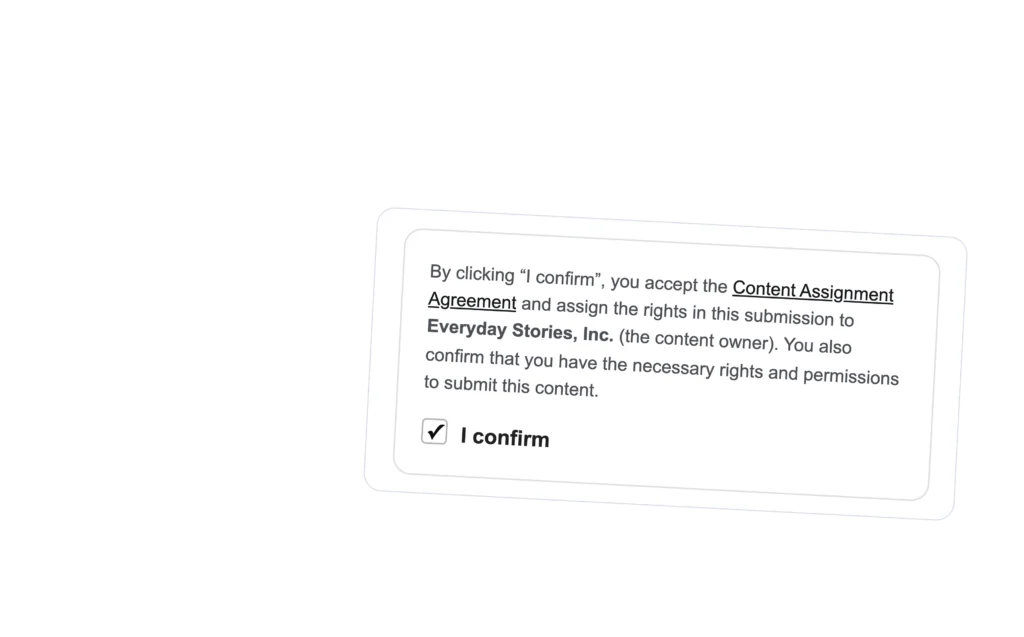
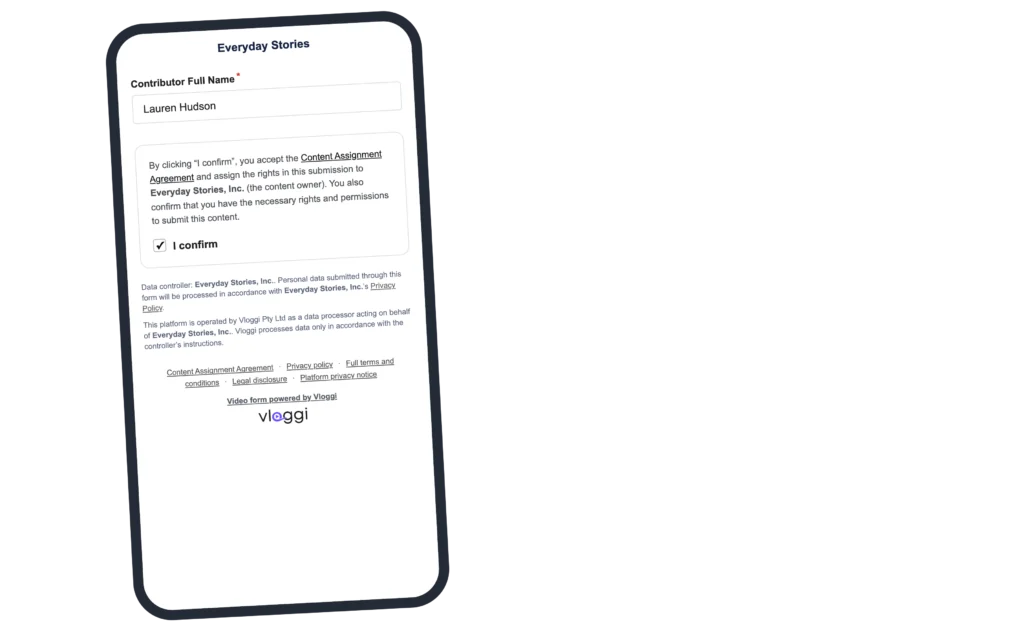
The contributor supplies their name, reads the assignment and confirms it. Any additional declaration appears as a separate confirmation in the same journey.
The uploader footer brings together the Content Assignment Agreement, your privacy policy, any linked project terms, your legal disclosure and Vloggi’s platform privacy notice.
Your team can review the video and its associated contributor and consent information in the Project Video Library.
If you plan to use collected video for AI training, research or a training dataset, tell contributors clearly before they submit. Describe the intended use in your project brief, privacy policy and additional declaration, and obtain the permissions needed for that use.
Keep the original author attribution in the file metadata and preserve it in subsequent dataset records. You can choose to offer a payment, prize or other incentive; the project owner sets the offer and is responsible for fulfilling it.
Your branding. Their credit. Recorded in the file.
Fictional details
Fictional details
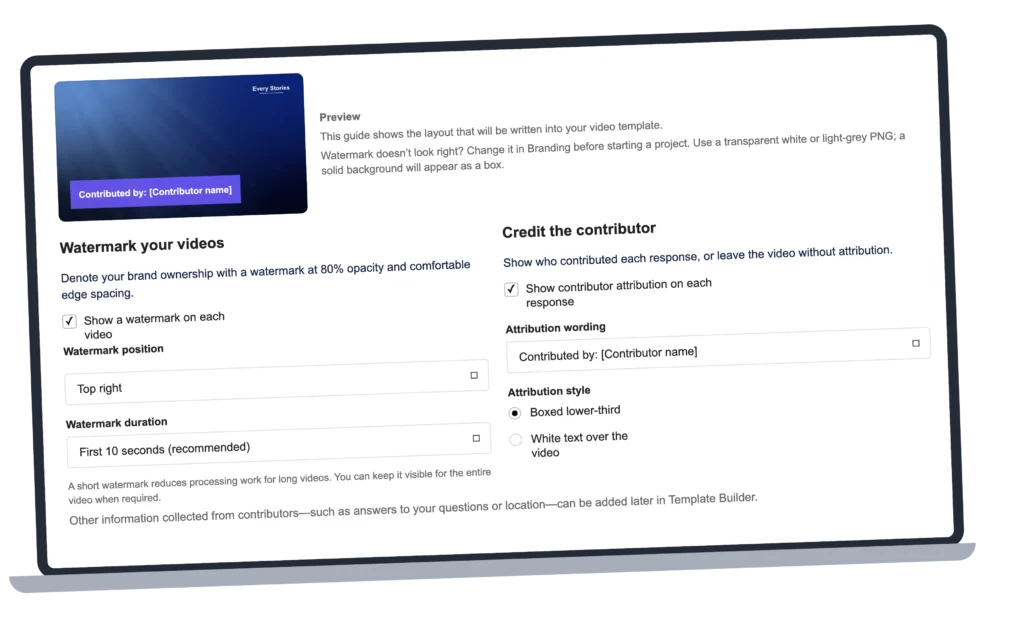
When you create a project, Vloggi encourages you to add both your branding and a clear contributor credit to every video. Watermarking and attribution are enabled by default in the setup flow.
Your brand, on every video.
Apply your watermark and choose its position and duration. Keep your organization’s branding visible while giving contributors their own credit.
A clear credit to the contributor.
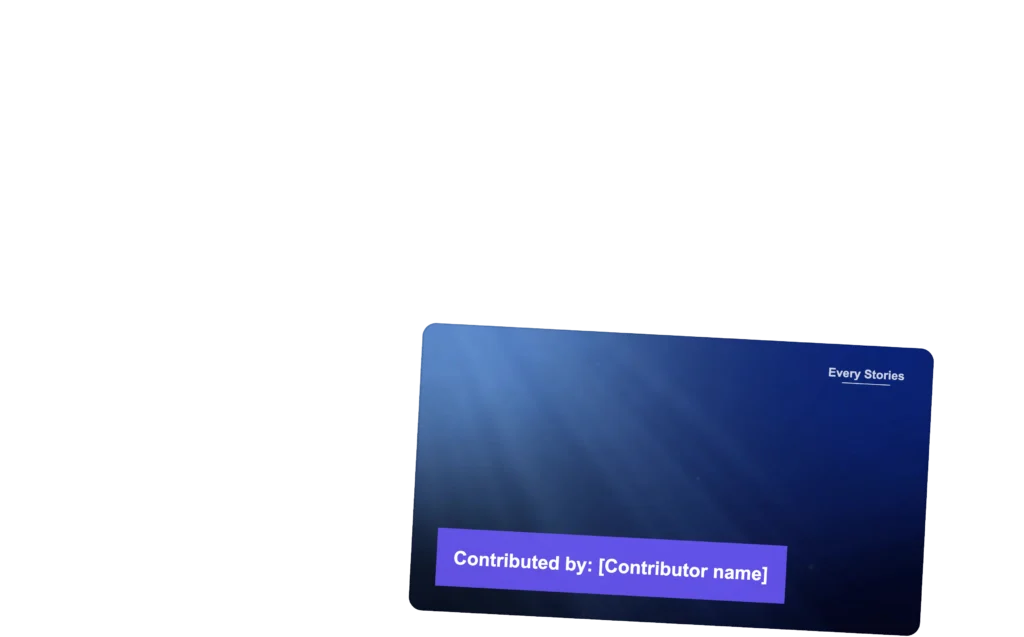
Show their name as a boxed lower-third or white text over the video. Choose the attribution wording in your project setup and refine the layout in Video Template Builder.
Attribution inside the file, too.
Vloggi also embeds the contributor’s name as author attribution in the video file’s metadata. The credit is recorded inside the file—not just displayed on screen—so it can be read later in tools that show file metadata.
The contributor’s given name, IP address and signed consent together demonstrate reasonable steps to obtain and record their name for attribution. Keep this context associated with their submission.
Use cases
Permission that fits the purpose.
Illustrative example
Events
Explain how delegate responses or event stories will be used before attendees submit their videos.
Additional declarations for Netflix MLB Opening Night.
DLP Media Group
For Netflix MLB Opening Night, DLP Media Group used Vloggi to collect fan performances with campaign-specific broadcast permissions. Contributors accepted the standard Content Assignment Agreement and additional project terms during submission.
The additional declarations covered the intended performance, broadcast, streaming, editing and promotional uses—keeping the campaign’s permissions connected to each video.
A public post is not permission to reuse a customer’s video. Justin Wastnage explains why consent records and a structured video collection workflow belong at the heart of your UGC strategy.
Planning to download and reuse user-generated video? Explore the consent, content rights and platform terms marketers need to consider before bringing someone else’s footage into a campaign.
Common questions
Video consent, explained.
Can our legal entity differ from our team name?
Yes. The public team name and the legal entity receiving the content rights can be different. For example, the team may be Everyday Stories while the content owner is Everyday Stories, Inc. Use team legal defaults or project-specific settings.
Do we need to add our own privacy policy?
Yes—add your organization’s privacy policy when collecting contributor data. It explains your handling of their personal information. The product requires a legal entity and Privacy Policy URL when saving contributor questions. Vloggi’s platform privacy notice does not replace your policy.
Can we add project-specific declarations?
Yes. Add an extra contributor confirmation in the project’s legal settings. Explain the intended use clearly. The performance-rights example shown here is illustrative; your organization supplies the wording appropriate to its project.
How do contributors get their private record?
After submission, contributors can request an emailed private link. The receipt identifies the submission and information held; the private record shows the video, rights recipient, consent details and status. Anyone with that private link may be able to view the record, so contributors should keep it private.
Is consent the same as video verification?
Consent records the contributor’s agreement. Verification concerns capture context and integrity signals. Explore Verify →
What should we check before reusing a clip?
Review the footage, contributor details and permission together. Resolve any specific rights concern or change of intended use before publication. Your organization chooses the appropriate project terms, including arrangements for minors, third-party material or specialist uses.
Can embedded author attribution be changed?
Yes. Vloggi embeds author attribution in the video file, but metadata editors and some processing or publishing tools can change or remove it. Embedded attribution is not tamper-proof. Keep the original file and its linked submission and consent record when you need to trace a contribution.
Can I collect video to train AI models?
Yes. You can collect rights-cleared video for AI training when contributors are clearly told about the intended use and you obtain the necessary rights and permissions. Set this out before submission in the project information and additional terms. “Rights-cleared” is more accurate than “copyright-free”: a rights assignment does not put a video into the public domain.
Preserve the original author in file metadata and carry that attribution into subsequent dataset records rather than erasing it. You may offer an incentive; its terms and fulfilment are your responsibility as project owner. The Content Assignment Agreement → describes project-owner machine-learning uses and incentives.
Get started
Collect video with clarity on both sides.
Set your legal details, explain the agreement and keep permission connected to every contribution.