Home / Solutions / Employee engagement
Vloggi: bring employee voices into your communications, onboarding and events.
SOLUTION · Employee engagement
Give every colleague a way to contribute.
Hear from people a meeting can miss. Gather human-generated employee video across roles, locations and shifts, with time to reflect and respond from home or another comfortable setting. Turn those contributions into better-informed people decisions, onboarding, internal communications and shared team stories.
Enterprise-grade privacy for internal contributions: encrypted connections and access controls support a private, organization-managed video library. Keep responses for authorized reviewers and choose what to share. Employees receive a submission receipt and a private link to their record, so they can see what they provided.
THE PROBLEM
The loudest voices are not your whole workforce.
When airtime goes to the most confident or senior people, everyone else has to fight to be heard. Women, colleagues from underrepresented backgrounds, quieter employees and people joining across languages, locations or shifts can be overlooked. A packed meeting is not a representative conversation—and silence is not agreement.
THE SOLUTION
Make room for voices the meeting leaves out.
Give every colleague the same invitation and time to consider their response, without interruptions or competition for airtime. They can answer from home or another setting that suits them, within an agreed working-time window. Your people team can hear a broader range of lived experiences before deciding what to share or act on.
THE WORKFLOW
From invitation to useful output.
01
Give the team a useful brief.
Ask for a manager welcome, a practical tip or a reflection from an event. Explain the audience and intended use before collecting responses.
02
Organize by team and purpose.
Use contributor fields or a reference dataset for team, store or role details. Filter the library, favorite strong clips and apply shortlist tags for internal review.
03
Make a shared result.
Use your visual template to create a branded compilation. Six Shots uses the thumbnail or poster from each included video, while Q&A retains the question with each answer.
TEAM CONTRIBUTIONS
From individual recordings to a shared moment.
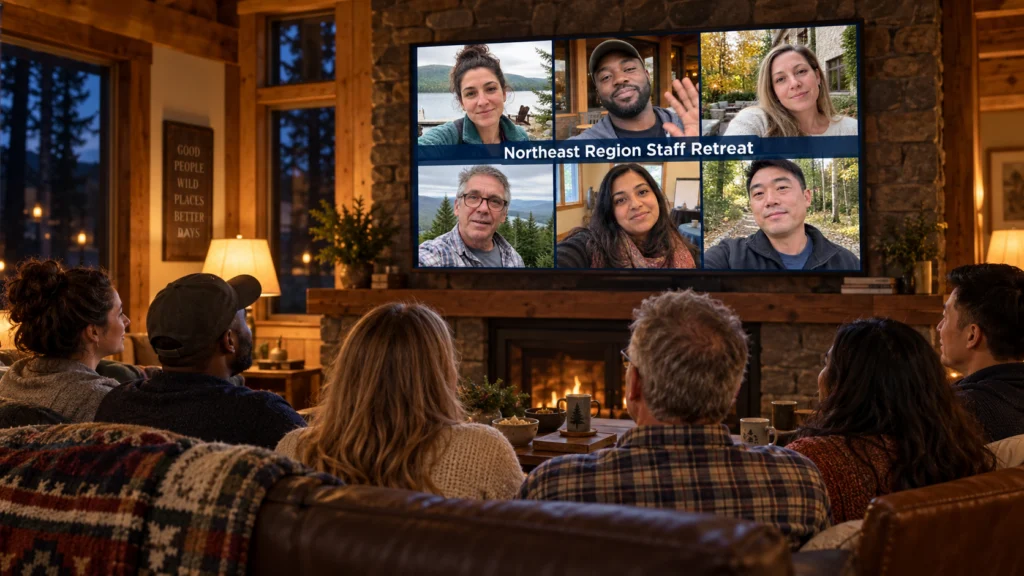
Ask participants to contribute during an event, then bring their footage into a branded compilation to watch together. The same approach works for distributed team updates and employee welcome messages.
SPACE TO BE HEARD
Ask the questions people need space to answer.
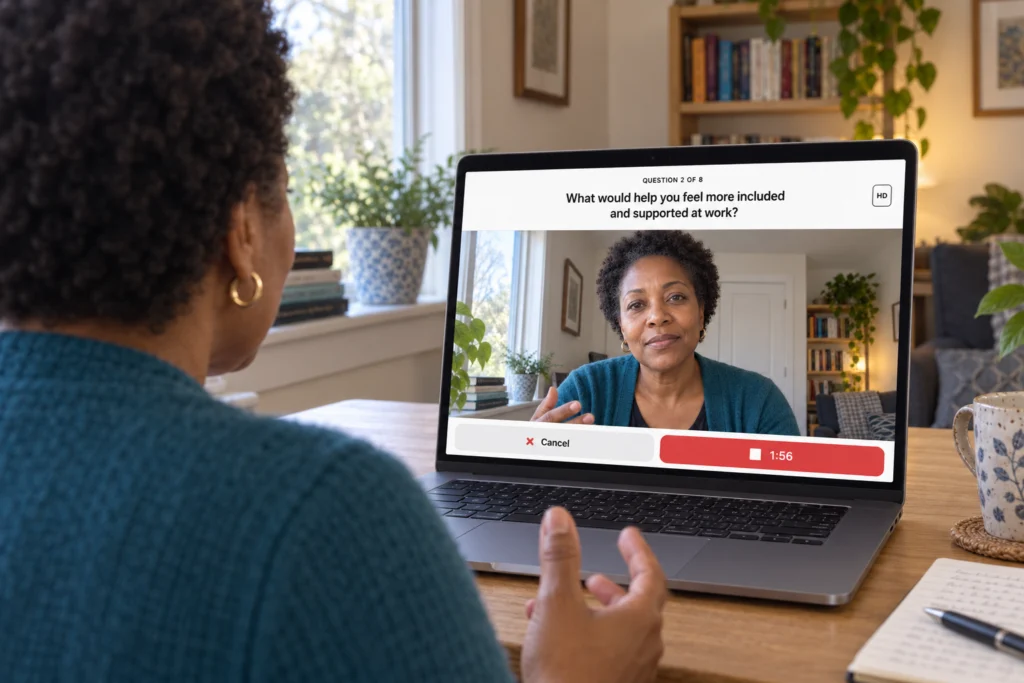
Use Vloggi Conversations for two to eight on-screen questions, each answered with a fresh webcam recording. Invite employees to reflect on belonging, manager support or what would make their working day better—without having to speak over anyone.
Make sensitive questions optional. Explain who will review the responses and how they will be used, then review them privately before creating any internal compilation. Video responses are identifiable, not anonymous; offer another feedback route for people who would rather not appear on camera.
Explore Vloggi Conversations → · Conversations setup guide →

Illustrative example
PUT IT TO WORK
One workflow. More useful outcomes.
Onboarding
Combine a manager welcome, general workplace information and role-specific footage in a repeatable report workflow.
Knowledge sharing
Collect explanations from the people who do the work and preserve the useful context for colleagues.
Internal events
Include remote colleagues in an event through video selfies, team messages and a shared compilation.
CUSTOMER WORKFLOWS
See how the approach works in practice.
MYOB
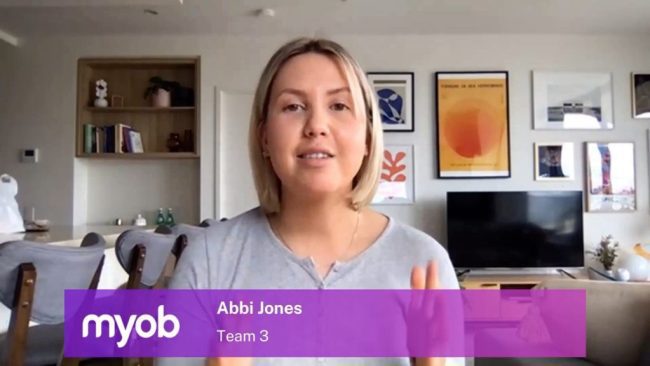
MYOB used asynchronous video messages to bring its teams into a shared activity; its published case study reports 100% participation.

Avon
Avon used video selfies to include remote employees in a hybrid corporate event.
CONNECTED FEATURES
The tools behind this solution.
Build a repeatable employee-contribution program, not another editing task. Your team defines the brief and presentation; Vloggi brings distributed recordings into a managed library and consistent business outputs.
Explore Vloggi Collect →Explore Vloggi Conversations →Explore Vloggi Context →Explore Vloggi Compile →
RELATED INDUSTRIES
See the workflow in your sector.


YOUR QUESTIONS
Employee engagement FAQs
Who can see employee responses, and do employees get a receipt?
Keep the project internal and restrict review to the authorized people in your organization. Vloggi uses encrypted connections and access controls; project owners decide what is shared more widely. Employees receive a submission receipt and a private link to their submission record. Explain the intended audience and use before collecting video. A private link should not be forwarded, and a private response is not the same as an anonymous response.
Is Vloggi a video editor or a business collection platform?
Vloggi is a business video collection and reuse platform. It gathers footage from your contributors, keeps context and permissions connected, and supports review, automatic branded outputs and handover. Use it alongside your editing tools when a project needs detailed creative editing.
Do colleagues have to record at the same time?
No. They contribute through the project invitation when it suits them. This is asynchronous collection, not a live meeting.
Can this stay an internal project?
Yes. An upload project does not need a public gallery. Explain the internal audience and use in the project brief and declarations.
Can we collect team and store details?
Yes. Ask for the relevant details or use a lookup dataset, then use the resulting tags to find and group responses.
Can we keep every update on brand?
Yes. Set your visual template once, including branding and contributor overlays, and reuse it for subsequent branded outputs.
Give every colleague a way to contribute.
Start with one clear brief. Build a repeatable video workflow around the result your team needs.