
Bring videos into your library through one branded call-out.
Choose a task below. Each section includes an illustration and links to the detailed instructions where available.
Create a branded call-out · Choose recording or file uploads · Share, embed or display a QR code · Choose contributor language and completion message
Create a branded call-out
Open Video Form Builder. Add a clear brief and welcome video, then apply your project branding. Preview the contributor page on a phone before sharing it. A call-out is the invitation and submission page; Collect is the feature that brings the videos into your library.
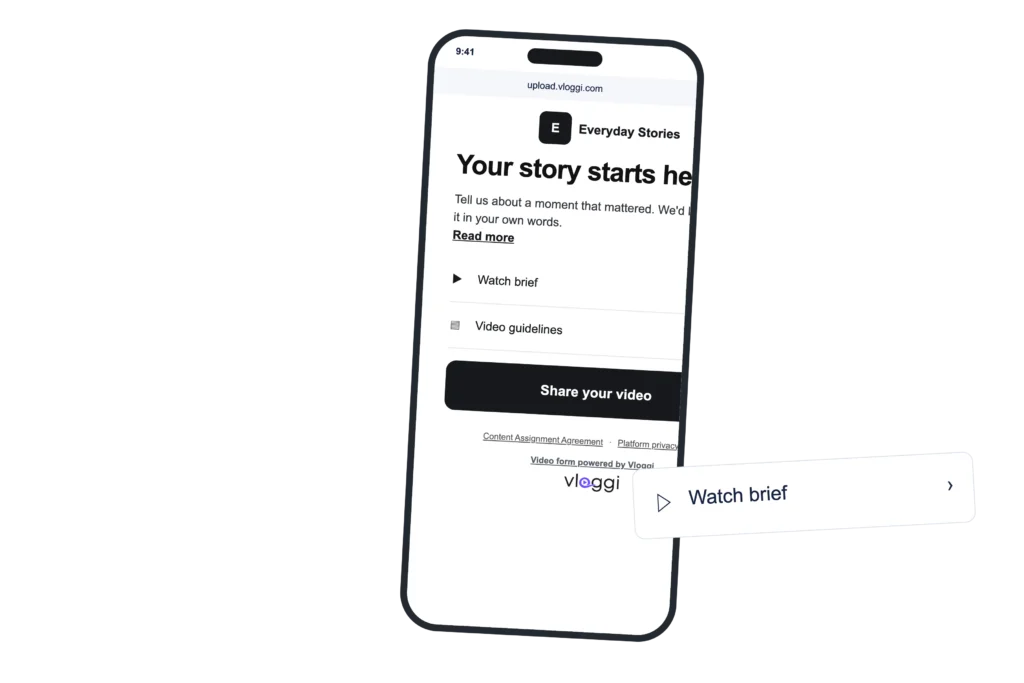
Detailed instructions: How to write a successful landing page to maximize video submissions · Why you should add a welcome video to your video submission landing page · How to set up your account branding in Vloggi: adding your colors, fonts and logo
Choose recording or file uploads
In Overview & Settings, choose Contribution for one video or Collection for several files. Enable the submission methods appropriate to the project. Use device-camera recording when capture provenance matters most. Conversations is different: each question requires a new camera recording.
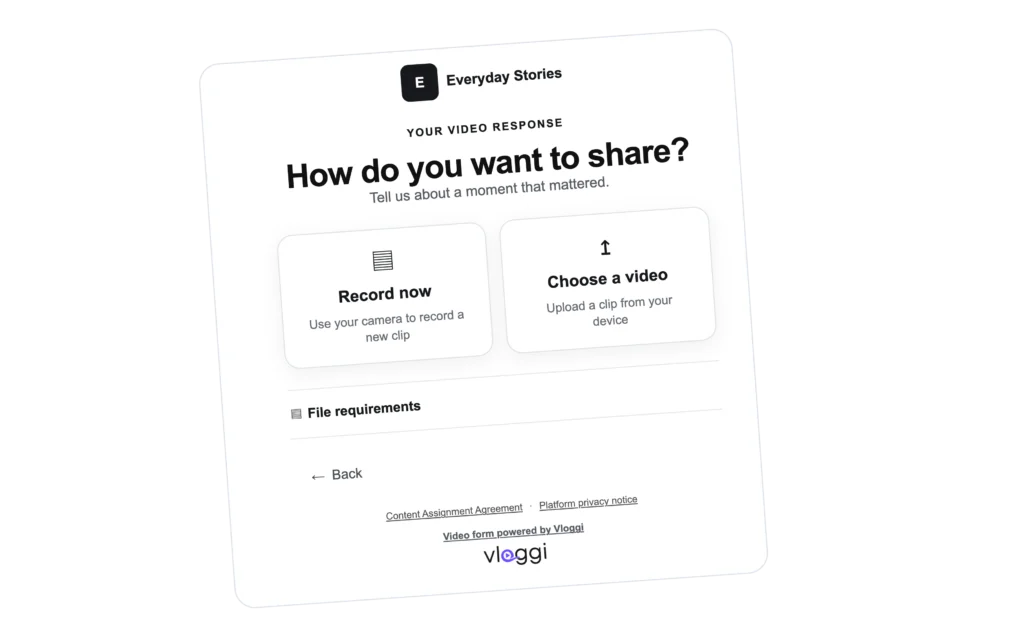
Detailed instructions: How to enable webcam responses to video questionnaires on Vloggi
Share, embed or display a QR code
Open Shareable Upload Link and copy the project invitation. Share it in your own channels, embed the submission widget on your website, or display its QR code at an event. Test the complete contributor journey from the destination where you place the invitation.
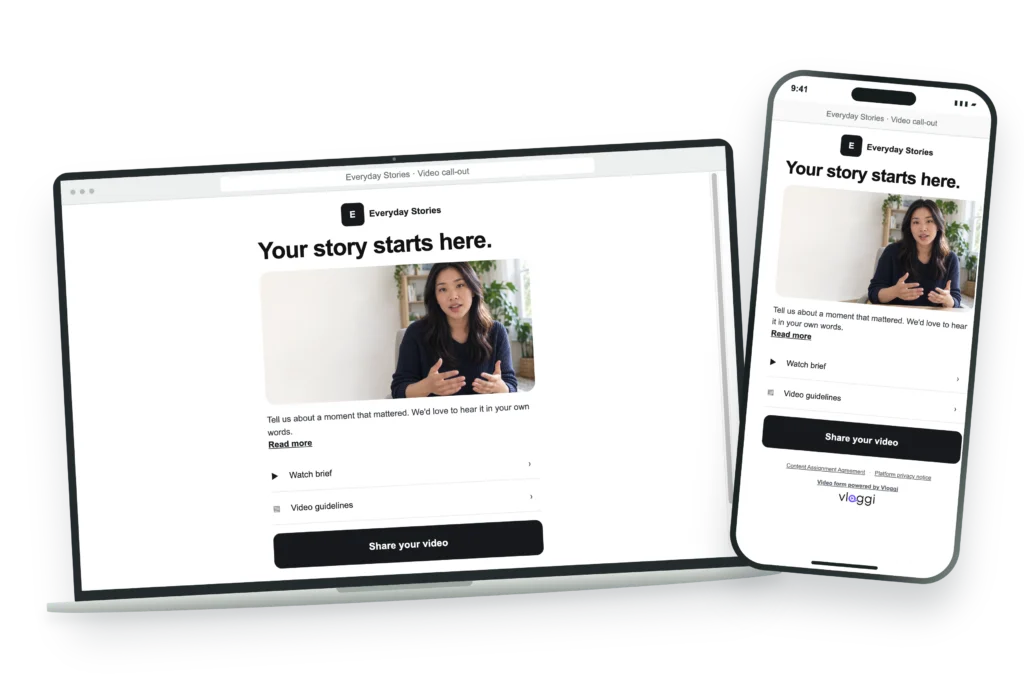
Detailed instructions: Where do I share my video submission project upload link? · Embedding the Vloggi Video Submission Widget on Your Website · Using Vloggi’s QR Codes to Collect Video Footage at Physical Events: A Comprehensive Guide
Choose contributor language and completion message
Choose the contributor language in project settings and check your own written brief and questions in that language. Use Thank You Page Builder to explain the next step after submission. Do not promise a reward or follow-up that your team cannot fulfil.
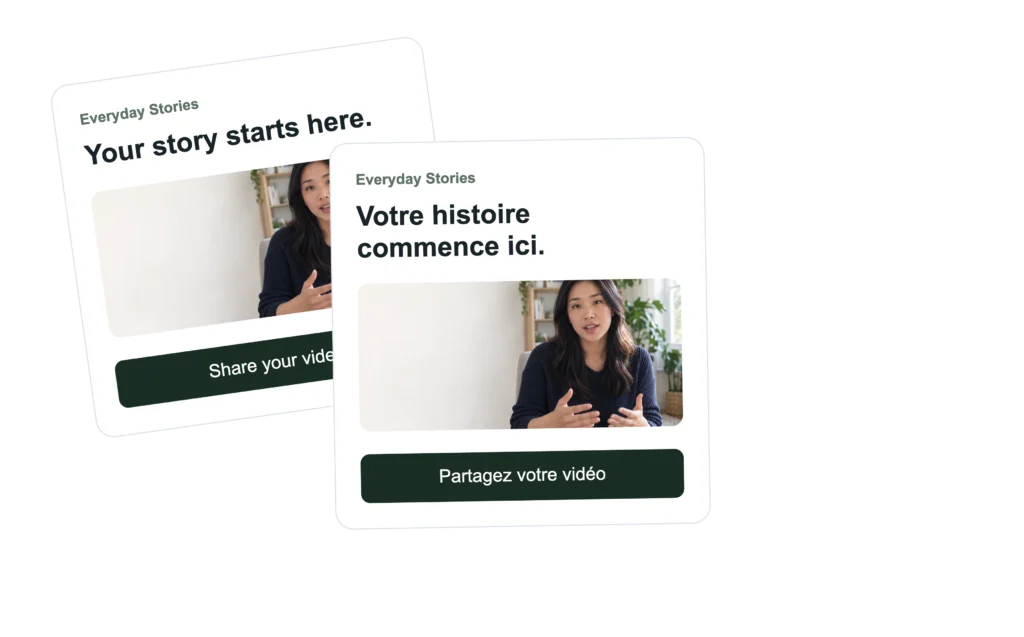
Detailed instructions: How to Change Contributor Languages in Vloggi · 8 Tips to higher response rates for your video submission project