
Keep contributor answers, lookup data and useful tags with every video.
Choose a task below. Each section includes an illustration and links to the detailed instructions where available.
Ask for short written facts · Offer single-select, multi-select and translated choices · Separate shared answers from per-file details · Use a CSV lookup and linked tags · Find videos using the supplied context · Prefill known information
Ask for short written facts
Open Contributor Data and add fields for facts best supplied as text, such as performance title or product name. These are deliberate contributor-provided details, not a transcription of a video answer. Explain why you need personal information and link your privacy policy.
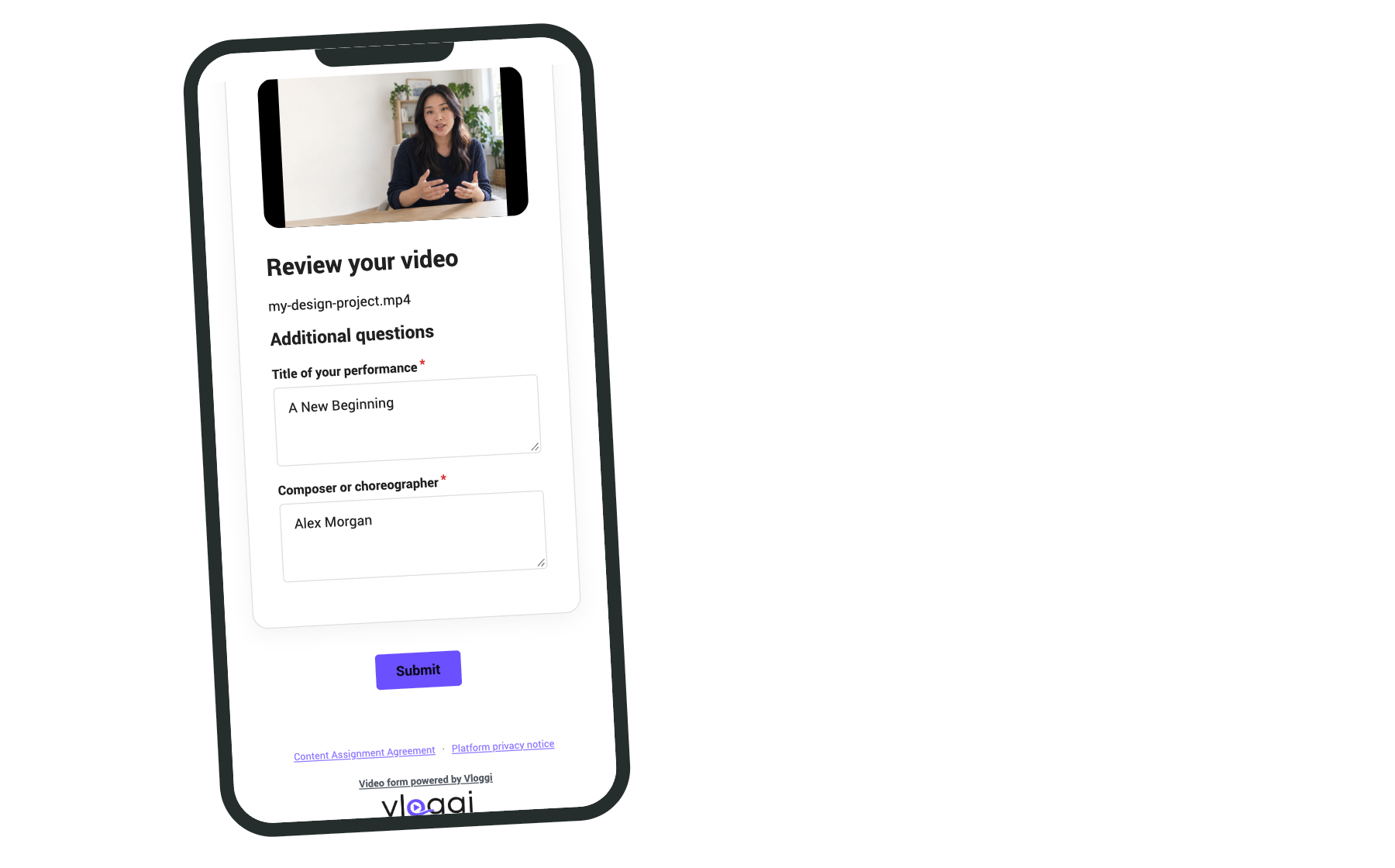
Detailed instructions: How to Gather Contributor Data in Vloggi’s Video Submission Software
Offer single-select, multi-select and translated choices
Use single select when only one answer is valid and multiple select when several labels may apply. Keep the choices concise and consistent with the dataset. Set the contributor language and review your own question labels and choices in that language before sharing the form.
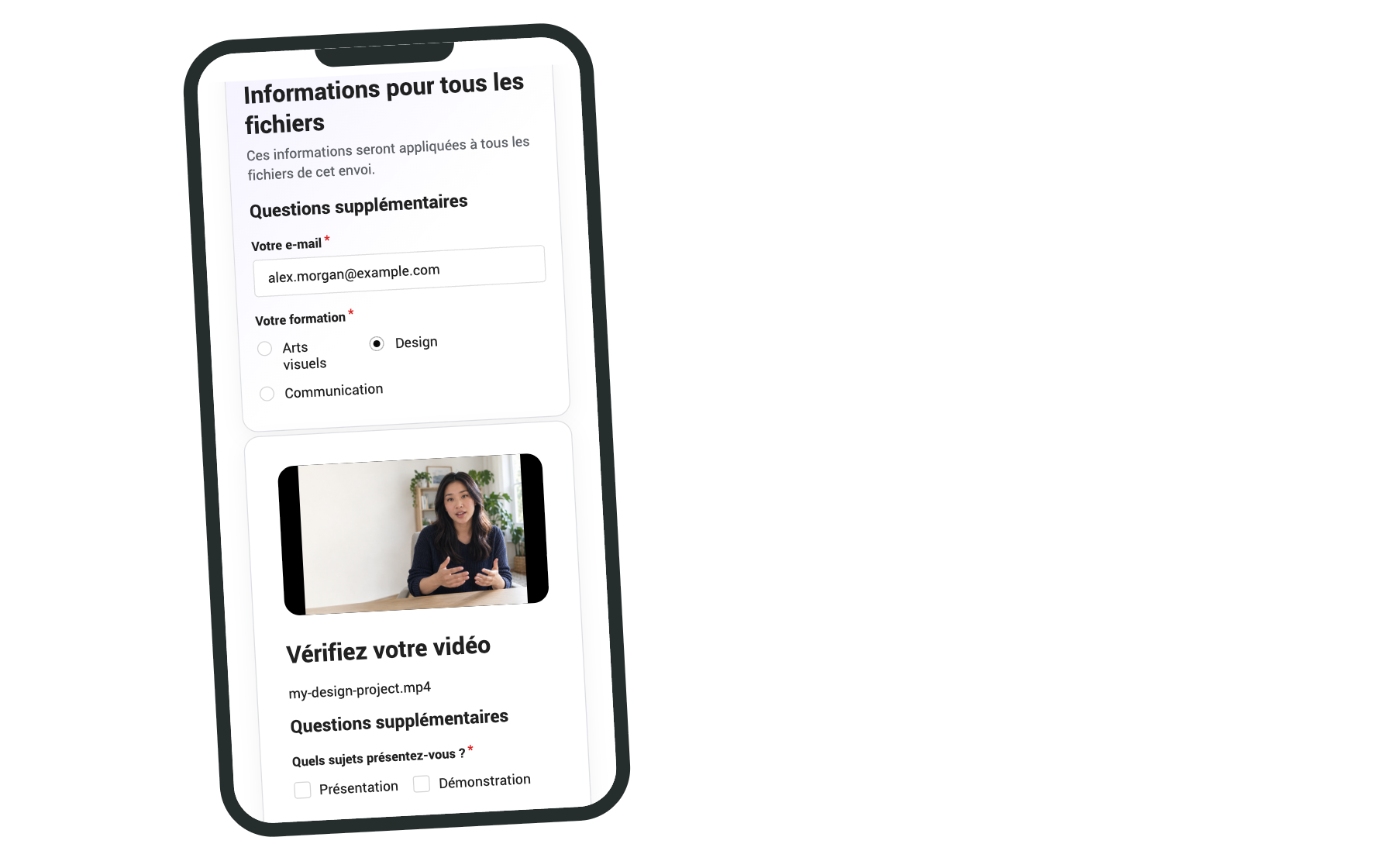
Detailed instructions: How to Gather Contributor Data in Vloggi’s Video Submission Software · How to Change Contributor Languages in Vloggi
Separate shared answers from per-file details
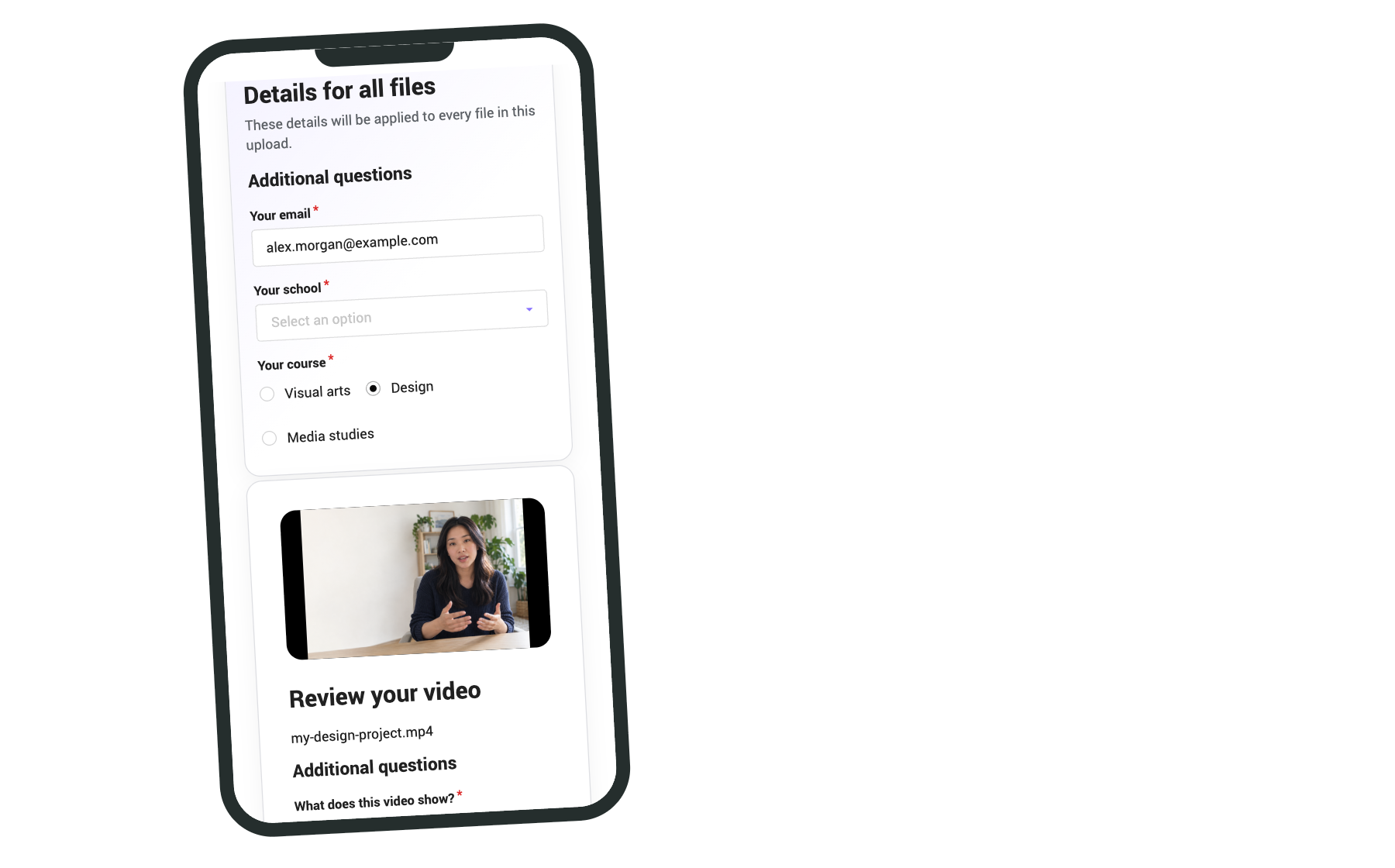
Choose whether a question applies once to the submission or separately to each file. Use shared fields for a contributor’s school or store, and per-file fields for the activity shown in each clip. Preview a multi-file submission to check the distinction.
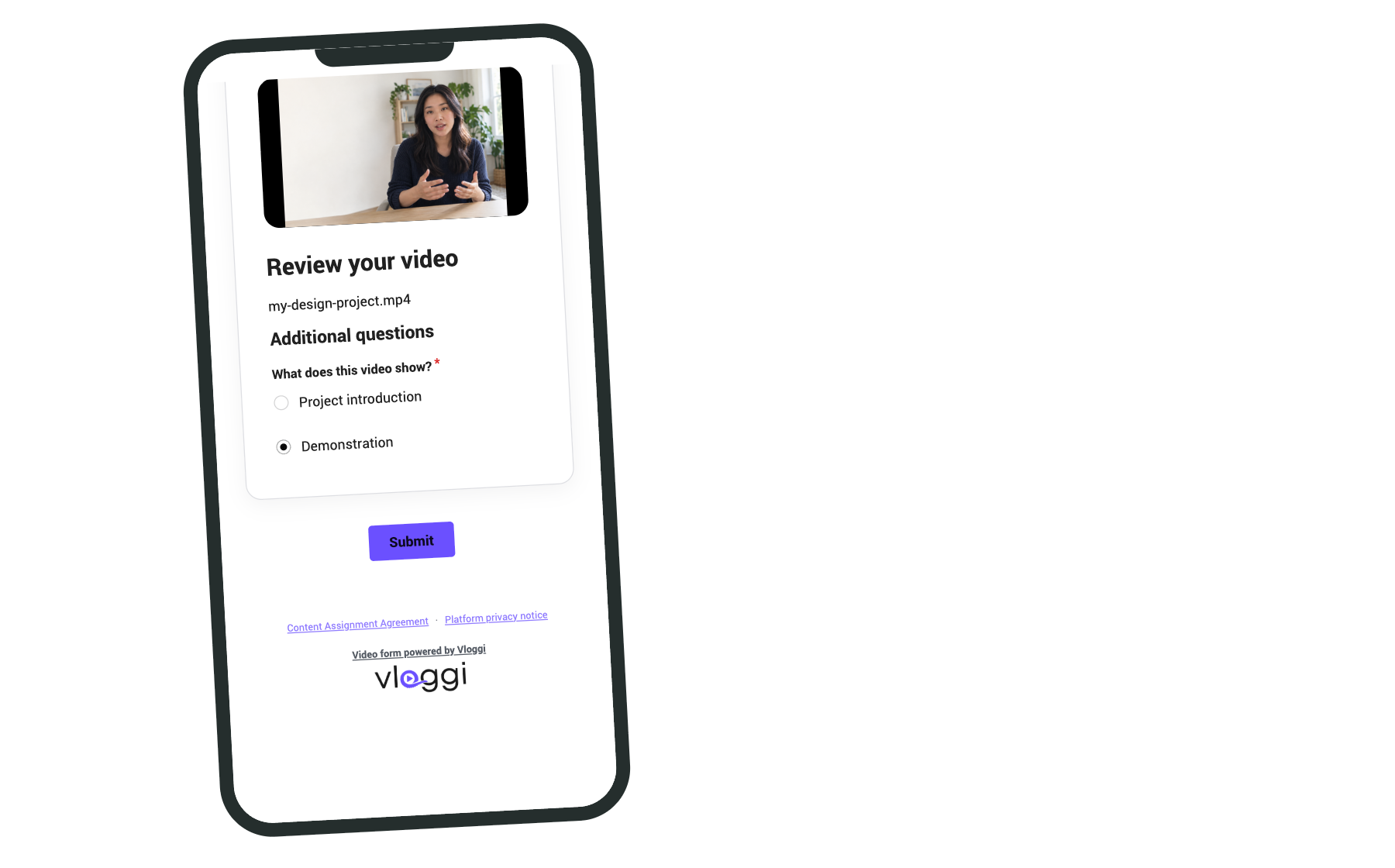
Detailed instructions: How to Gather Contributor Data in Vloggi’s Video Submission Software · Collecting Additional Contributor Data for Video Overlays: Simplifying the Process
Use a CSV lookup and linked tags
Prepare a consistent CSV dataset, upload it to Contributor Data and connect the appropriate question to the lookup. Configure the related information used for tags. For example, choosing a school can associate its city and state without asking the contributor to type both again.
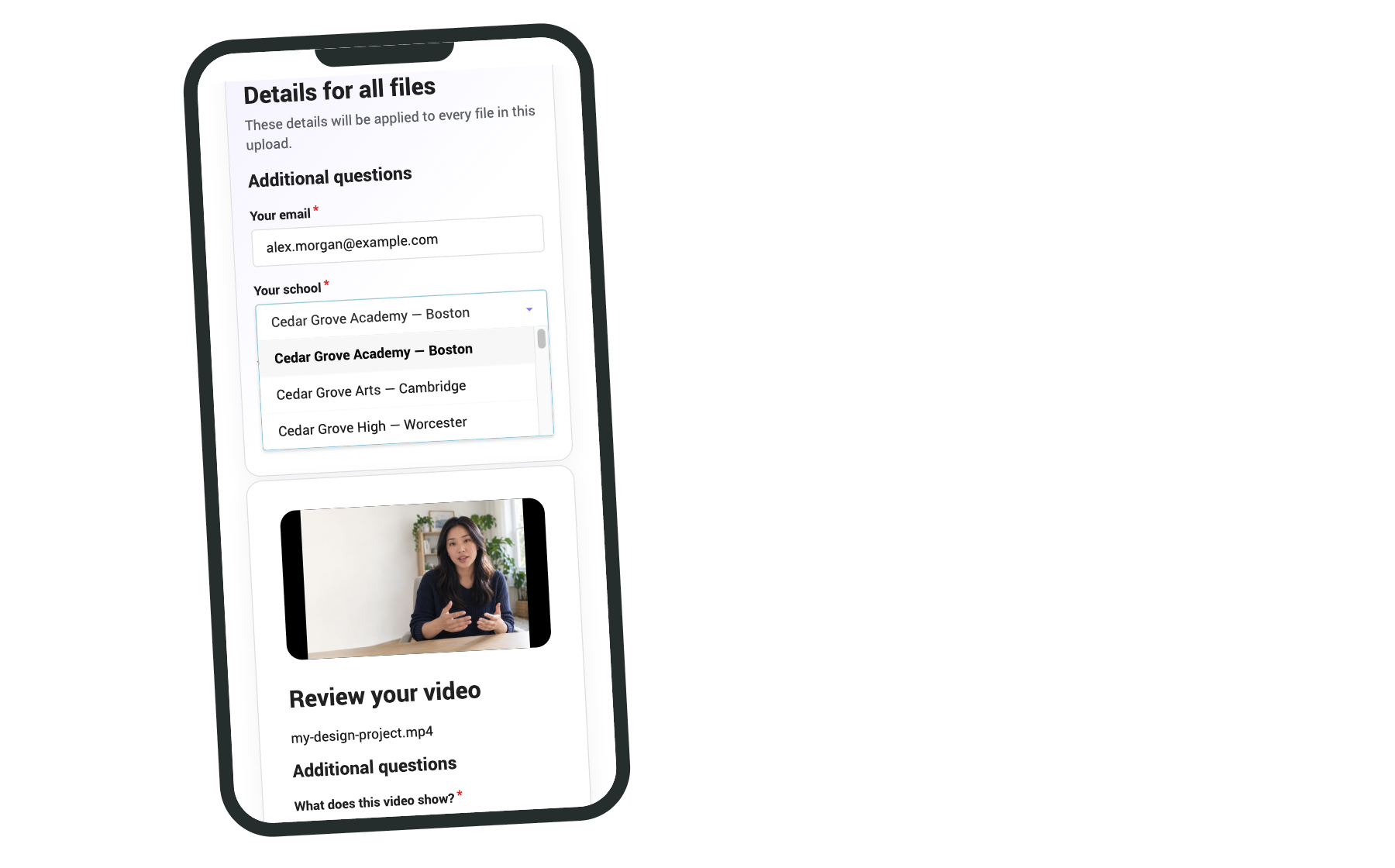
Detailed instructions: How to Format a CSV Dataset for Use in Vloggi · How to create a lookup table by uploading existing datasets of contributor information to Vloggi
Find videos using the supplied context
Review the resulting answers and tags on a test submission. In Project Video Library, select relevant tags to narrow the collection and compare videos in the same category. Correct the source dataset when a label is wrong so future submissions stay consistent.
Detailed instructions: Ways to manage your user-generated video library in Vloggi · How to pre-populate contributor data in Vloggi
Prefill known information
Use a prefilled invitation when you already know an external reference or contributor detail. Keep sensitive information out of URLs. Confirm how each value is stored and which fields the contributor still needs to complete before distributing the link.
Detailed instructions: How to use prefilled upload links in Vloggi