
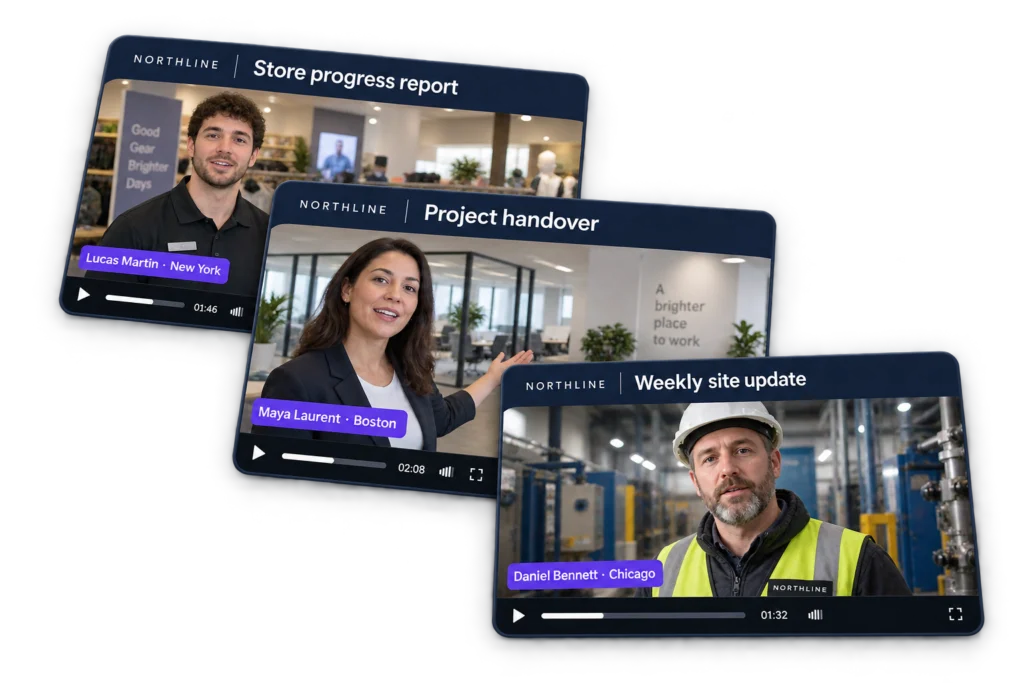
You can turn selected video submissions into a branded compilation directly in Vloggi, without moving every clip into separate editing software.
1. Collect the footage
Create a project, write the brief in Collect → Video Form Builder, then distribute the link or QR code from Collaborate → Shareable Upload Link. Contributors record or upload through their browser.
2. Choose the clips
Open Curate → Project Video Library. Preview the responses, use Favorites or tags to build a shortlist, then select the clips using each card’s top-right control or the List view checkboxes.
3. Build the compilation
Select Create compilation in Batch actions. Name the compilation, arrange the clips and review the project template, overlays, intro, outro, transitions and audio. Template changes are shared with the project, not isolated to one compilation.
4. Create and download
Use Save & Create Compilation when ready. Review the processed result under Compile → Compilations & Downloads and download the available output.
For the complete controls and examples, see How to build a video compilation.