
Turn incentives and audience participation into a rights-cleared video library.
Choose a task below. Each section includes an illustration and links to the detailed instructions where available.
Set an incentive and entry requirements · Accept existing videos and multiple entries · Choose a public gallery or private contest · Set public voting or private judging · Moderate entries and handle reports · Run auditions as a private contest use case
Set an incentive and entry requirements
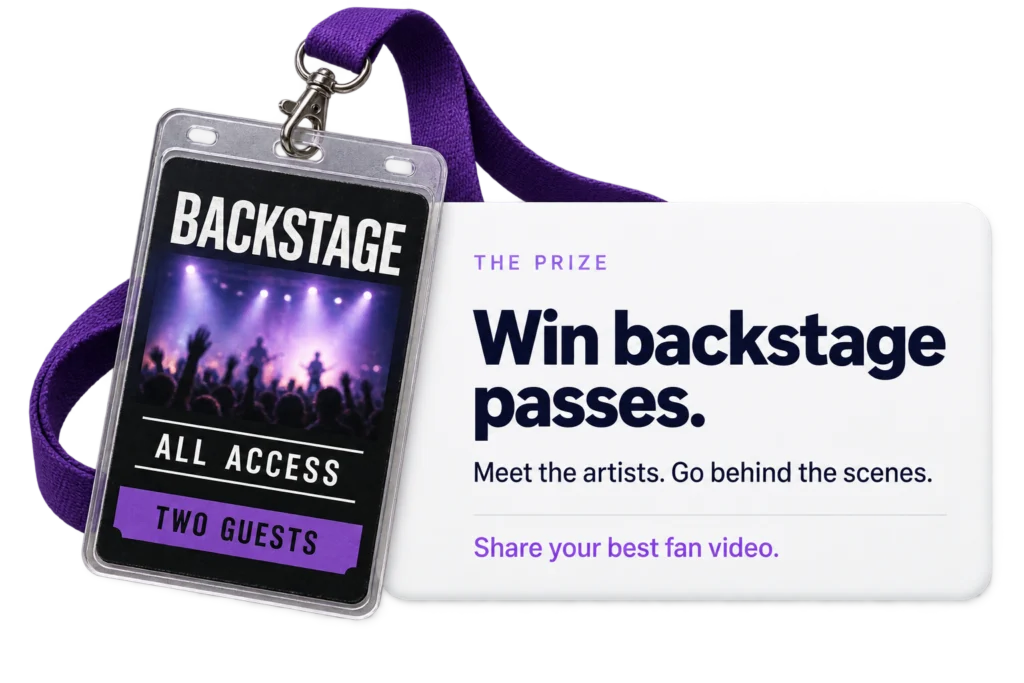
Define the prize, eligibility, closing date and judging criteria before publishing the call-out. An exclusive experience or a substantial prize can motivate participation. You may co-sponsor with a supplier; identify who provides the prize and who receives reuse rights in the terms.
Detailed instructions: How to Launch a Video Contest in Vloggi · Do I need to incentivise my audience to contribute video submissions?
Accept existing videos and multiple entries
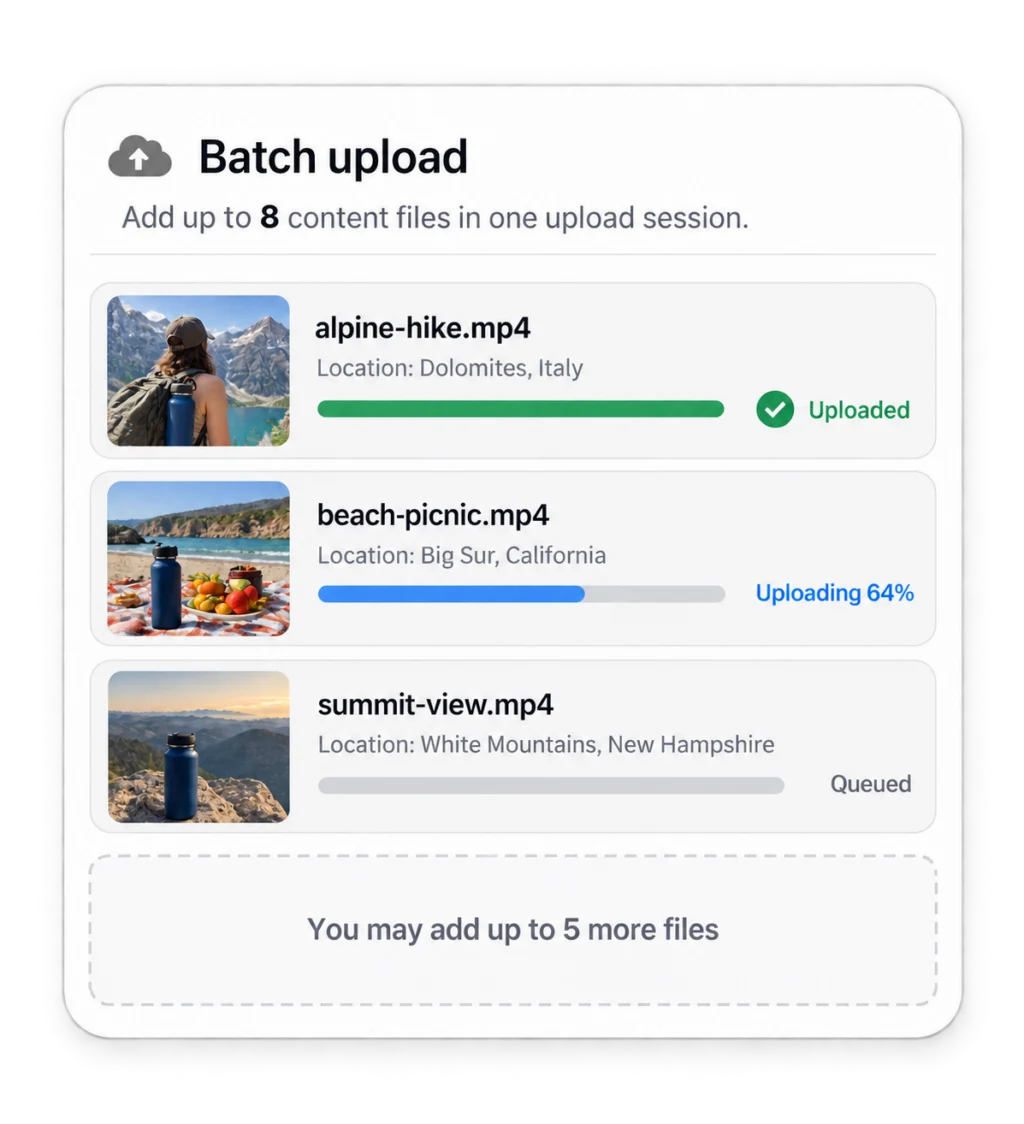
Allow file uploads so entrants can choose existing footage from their camera roll. Configure the permitted number of entries, up to eight where the project settings allow. Test a multi-file entry and check that each video retains its own relevant information.
Detailed instructions: How to Launch a Video Contest in Vloggi
Choose a public gallery or private contest
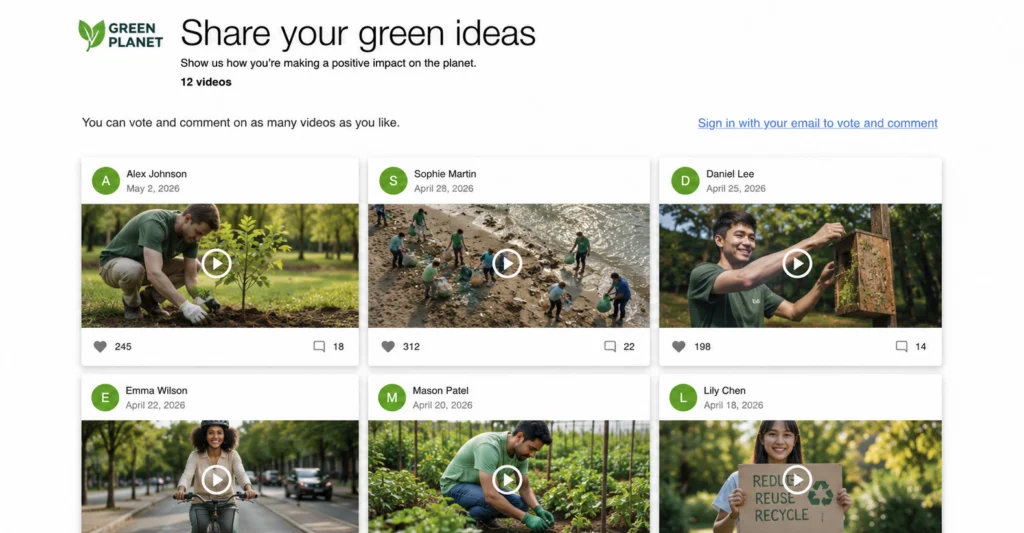
In Public Video Gallery, decide whether approved entries will be visible publicly. Keep entries private when only your team should review them. A public gallery and a public vote are separate decisions: make both match the published contest rules.
Detailed instructions: How to Launch a Video Contest in Vloggi
Set public voting or private judging
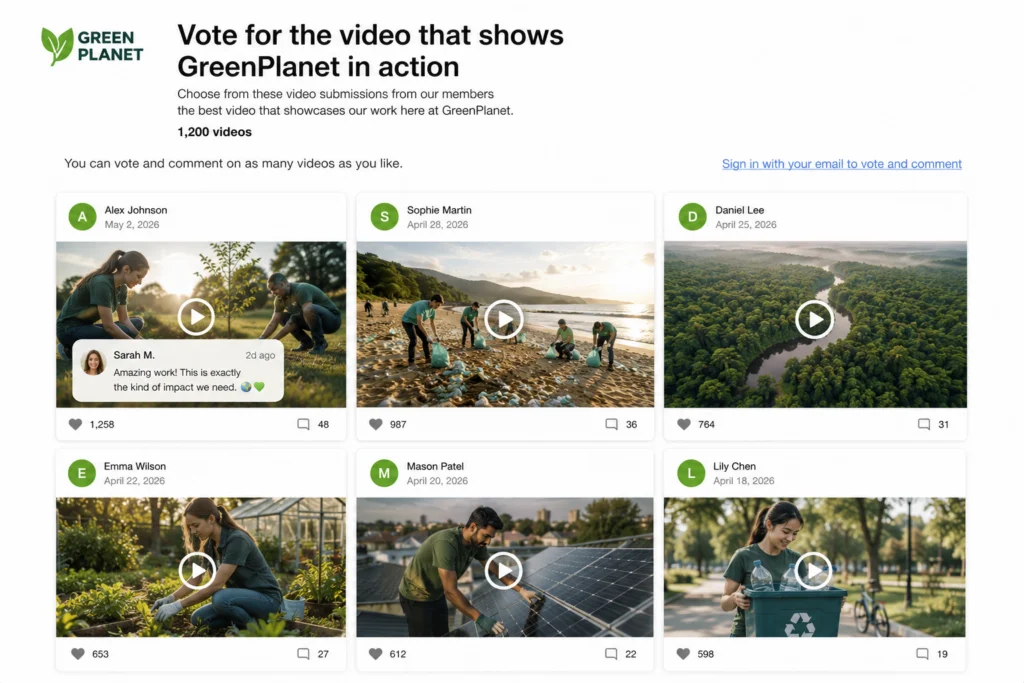
Review the gallery’s voting settings. Use the public voting option for audience participation or invite the appropriate collaborators for private judging. Explain how votes and judging affect the outcome; do not imply that a public vote always determines the winner.
Detailed instructions: How Contest Voting Works in Vloggi · Inviting Collaborators to Vote on a Video Contest: A Collaborative Judging Process
Moderate entries and handle reports
Review entries before making them public, and check reported content promptly. Remove or withhold material that breaches the rules, and escalate suspected malicious behaviour through your support process. Keep records of the moderation decision.
Detailed instructions: How to Launch a Video Contest in Vloggi · Additional legal consideration: The avoidance of hate speech
Run auditions as a private contest use case
Use a casting call as the invitation, with clear performance requirements and relevant declarations. Keep the gallery private when auditions should only be seen by the casting team. Invite reviewers, compare entries and communicate the selection process. Auditions belong within Contests, not a ninth core feature.
Detailed instructions: How to Launch a Video Contest in Vloggi · Inviting Collaborators to Vote on a Video Contest: A Collaborative Judging Process