
Home / Solutions / Customer testimonials
Vloggi: collect human-origin customer video testimonials that build trust.
SOLUTION · Customer testimonials
Let your customers do the talking.
In a world flooded with AI-generated video, give customers a reason to trust the people on screen. Vloggi provides a pathway to human-origin video testimonials: invite customers to record through their device camera, then keep the supporting submission evidence, declarations and consent connected to their story.
Collect star ratings and location details alongside each video, so your team can understand the customer experience—not just the praise.

THE PROBLEM
AI video makes genuine customer voices more valuable.
A convincing face and voice are no longer enough to establish where a video came from. Meanwhile, arranging customer interviews takes time, email attachments arrive without context, and chasing permission slows publication. Your team needs genuine customer contributions with evidence behind them—not just believable-looking content.
THE SOLUTION
Build trust from the moment of capture.
Invite customers to record a fresh response through their device camera in a branded, browser-based journey. Keep device information, timestamps, contributor declarations and the submission record linked to the video. Vloggi Confirm brings the available evidence together to assess likely human origin, giving your team a stronger basis for trust than appearance alone.
THE WORKFLOW
From invitation to useful output.
01
Ask about a specific experience.
Use a single response for a concise endorsement or a Conversation for two to eight separate camera answers. Ask what changed, what helped and who would benefit.
02
Keep the context and permission.
Capture relevant product or campaign details, identify the legal rights recipient and explain the intended use. Add owner tags to organize review and shortlist useful stories.
03
Create the versions you need.
Apply your branding, contributor credit and question overlays with a reusable template. Compile selected responses or download footage for your editor.
FROM ANSWER TO ASSET
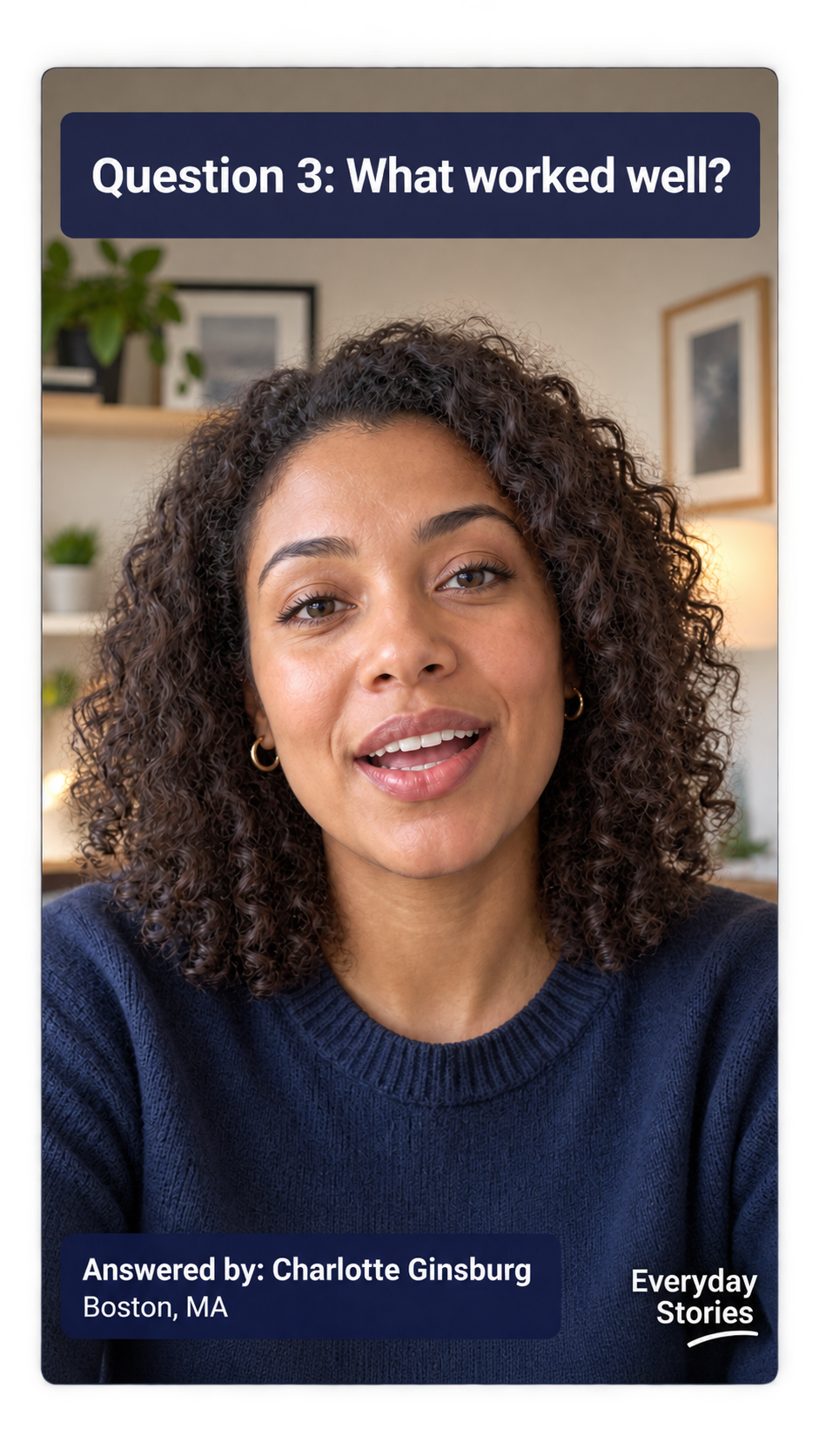
Go beyond simple reviews into market research.
Use Vloggi Conversations to ask two to eight questions and collect a separate camera response to each. Explore what customers value, where they encountered friction and what they would change. Turn their answers into a branded Q&A compilation, with each question and the contributor’s details on screen.
FROM RATING TO VIDEO
Simple video reviews. Their rating, on screen.
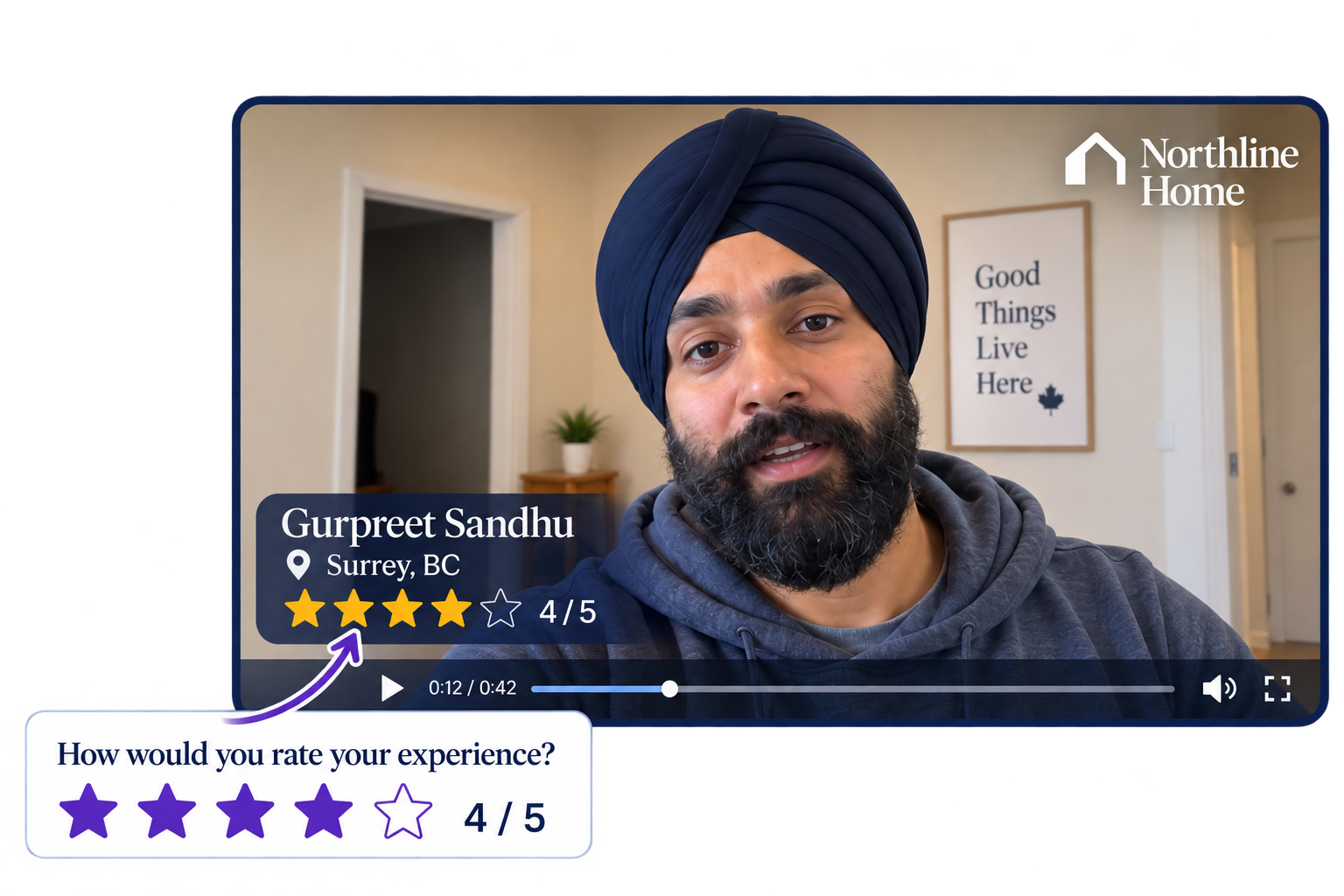
Ask customers for a star rating alongside a short video review. Their words explain the experience; their rating provides a quick summary.
Connect the collected rating to your video template so it appears as stars in the finished video, together with your branding, the customer’s name and their location. The displayed rating comes from the customer’s answer—not an inferred sentiment score.
PUT IT TO WORK
One workflow. More useful outcomes.
Sales conversations
Give sales teams first-person customer explanations that address a relevant product or use case.
Product pages
Keep a searchable pool of permissioned contributions, then choose the stories that fit each page.
Social proof over time
Run recurring diary requests to understand a changing experience rather than collecting only a final endorsement.
CUSTOMER WORKFLOWS
See how the approach works in practice.
Mōdere
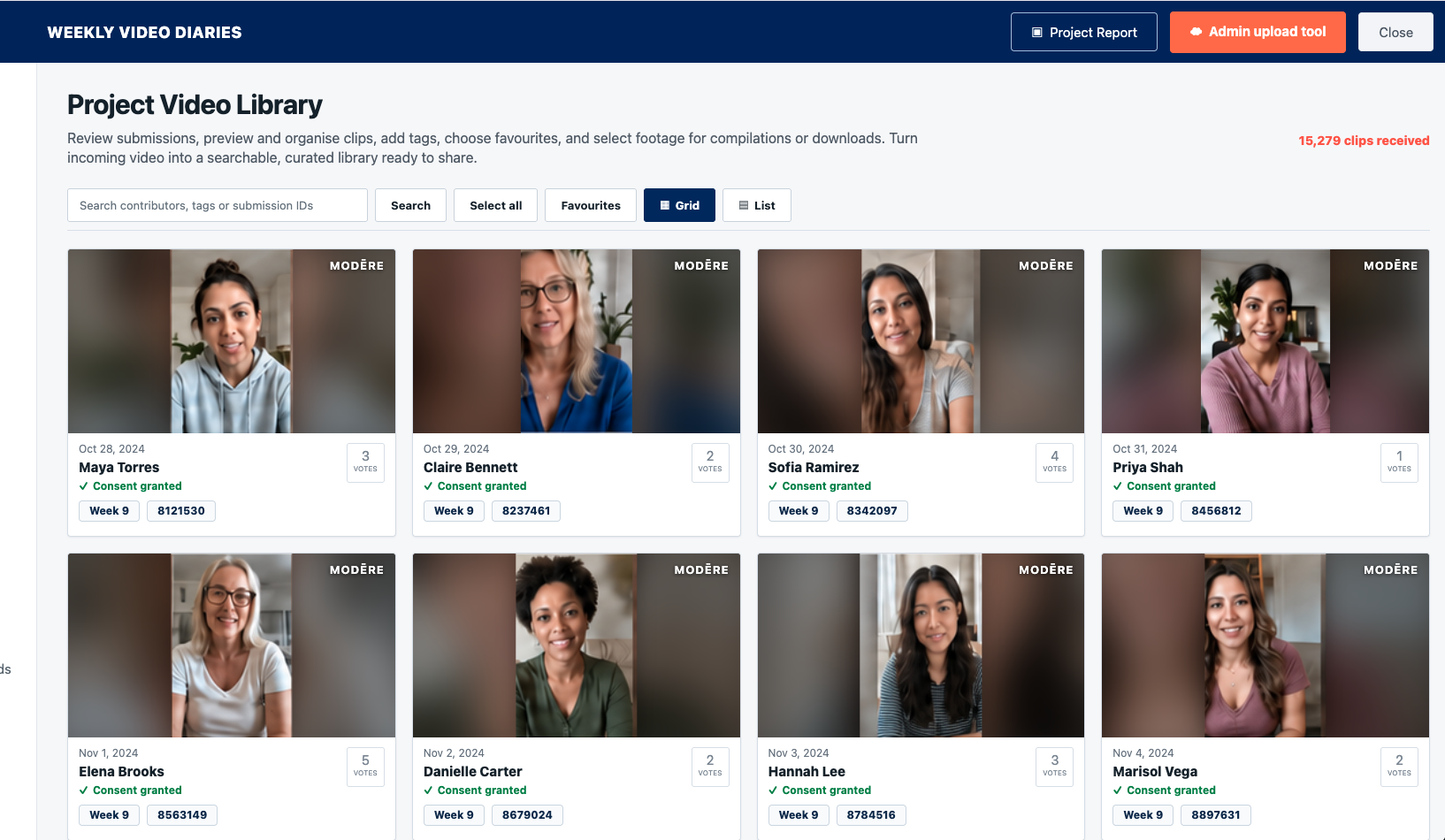
Mōdere collected 15,279 customer video diaries, using English and Spanish responses and a Referral Code to keep recurring contributions connected.
JUCY
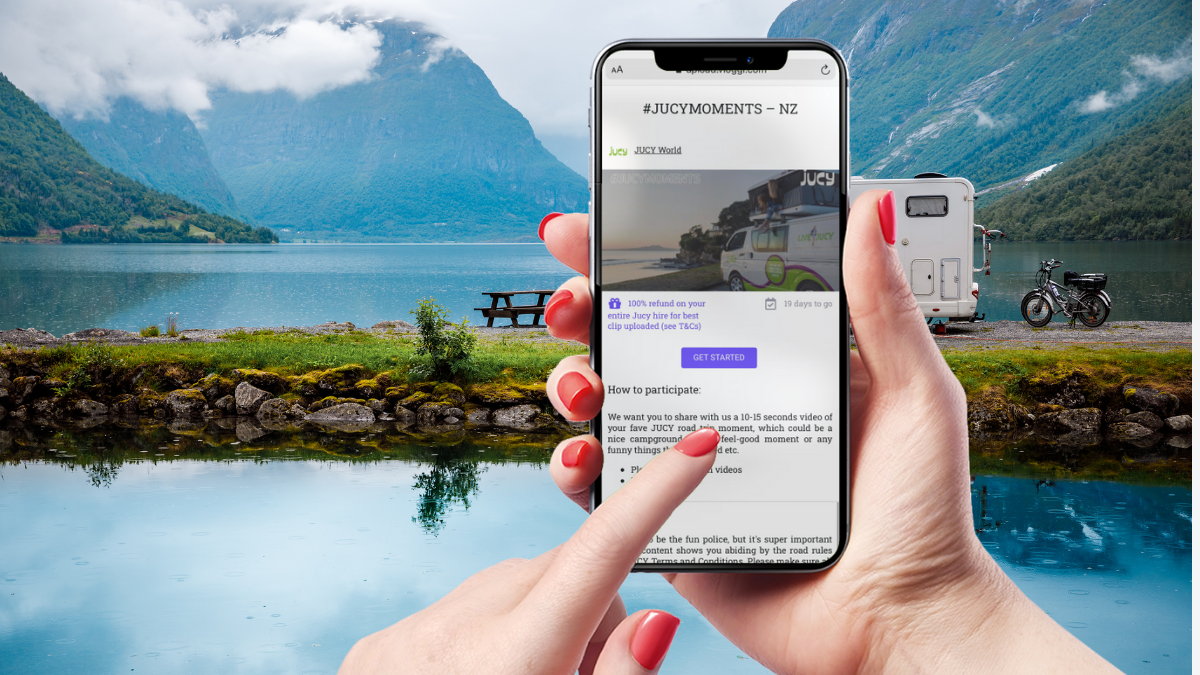
JUCY built an always-on library of customer travel videos, creating a source of authentic experiences for its team.
CONNECTED FEATURES
The tools behind this solution.
Your team supplies the brief; your customers supply the footage. Vloggi handles collection, permissions, library review and branded reuse, with downloads for your existing editing workflow.
Explore Vloggi Conversations →Explore Vloggi Context →Explore Vloggi Consent →Explore Vloggi Compile →Explore Vloggi Connect →
RELATED INDUSTRIES
See the workflow in your sector.



YOUR QUESTIONS
Customer testimonials FAQs
How does Vloggi help establish human origin?
For the strongest evidence, ask customers to record a fresh response through their device camera rather than upload an existing file. Vloggi combines available capture and device information with timestamps, contributor declarations and linked submission records to assess likely human origin. This supports confidence in provenance; it does not mean every uploaded file has the same assurance, or that a customer’s statements have been independently verified.
Is Vloggi a video editor or a business collection platform?
Vloggi is a business video collection and reuse platform. It gathers footage from your contributors, keeps context and permissions connected, and supports review, automatic branded outputs and handover. Use it alongside your editing tools when a project needs detailed creative editing.
Can customers answer several questions?
Yes. Conversations asks two to eight prompts and records a new device-camera response to each. Choose which responses are required and which can be skipped.
Can we also collect videos customers have already made?
Yes. Use a Contribution or Collection workflow for existing files. Conversations is for newly recorded answers, not camera-roll uploads.
Can we brand every customer video consistently?
Yes. Configure a smart video template with your logo and dynamic contributor details, then apply it to the resulting branded videos.
How do we connect responses to customer records?
Use a supported prefilled-link and webhook workflow with an external reference. Your connected CRM workflow can record who submitted and stop further requests.
Let your customers do the talking.
Start with one clear brief. Build a repeatable video workflow around the result your team needs.