
Your customers have the stories. Make them part of your store.
Turn everyday shopping and product experiences into video reviews, useful customer insight and content your retail team can reuse.
Collect in store, at a pop-up or after delivery. One branded experience brings real customer voices, product details and reuse permissions into your video library.

On this page: Use cases · Kiosk spotlight · Case studies · MetroClick partnership · FAQs
Organizations using Vloggi to collect retail customer videos and shopper feedback
 Schleich collected toy stories and customer research through Vloggi-powered kiosks in shops and museum retail spaces.
 Marionnaud has used Vloggi to collect video from its retail community.
 Pantrei used Vloggi for an in-store launch of its ecommerce swimwear brand.
 Temple & Webster used Vloggi for customer outreach around interior design.
 Cera used Vloggi for its Dutch- and French-language Notenkrakken walnut campaign.
THE PROBLEM
The best product stories happen beyond your product page.
Shoppers want to see how products fit into real lives. But studio images cannot answer every question, star ratings miss the detail and the most useful in-store conversations disappear when customers leave.
Retail teams need fresh reviews, local feedback and authentic product footage across more products and stores—without commissioning a shoot for every range or chasing reuse permission through social messages.
THE SOLUTION
Turn each customer moment into useful retail content.
Invite shoppers to show, explain and share through a branded video form. Collect at the shelf, a launch event or after purchase, using kiosks, QR codes and customer emails.
Vloggi keeps the video, product or store details and consent record together. Your team gets a reusable customer-video library for ecommerce, retail research and brand activations.
USE CASES
Six ways to bring customer voices into retail

Customer video reviews
Ask buyers what changed after they started using your product. Collect honest, specific stories for product pages, emails and campaigns—without booking a film crew.
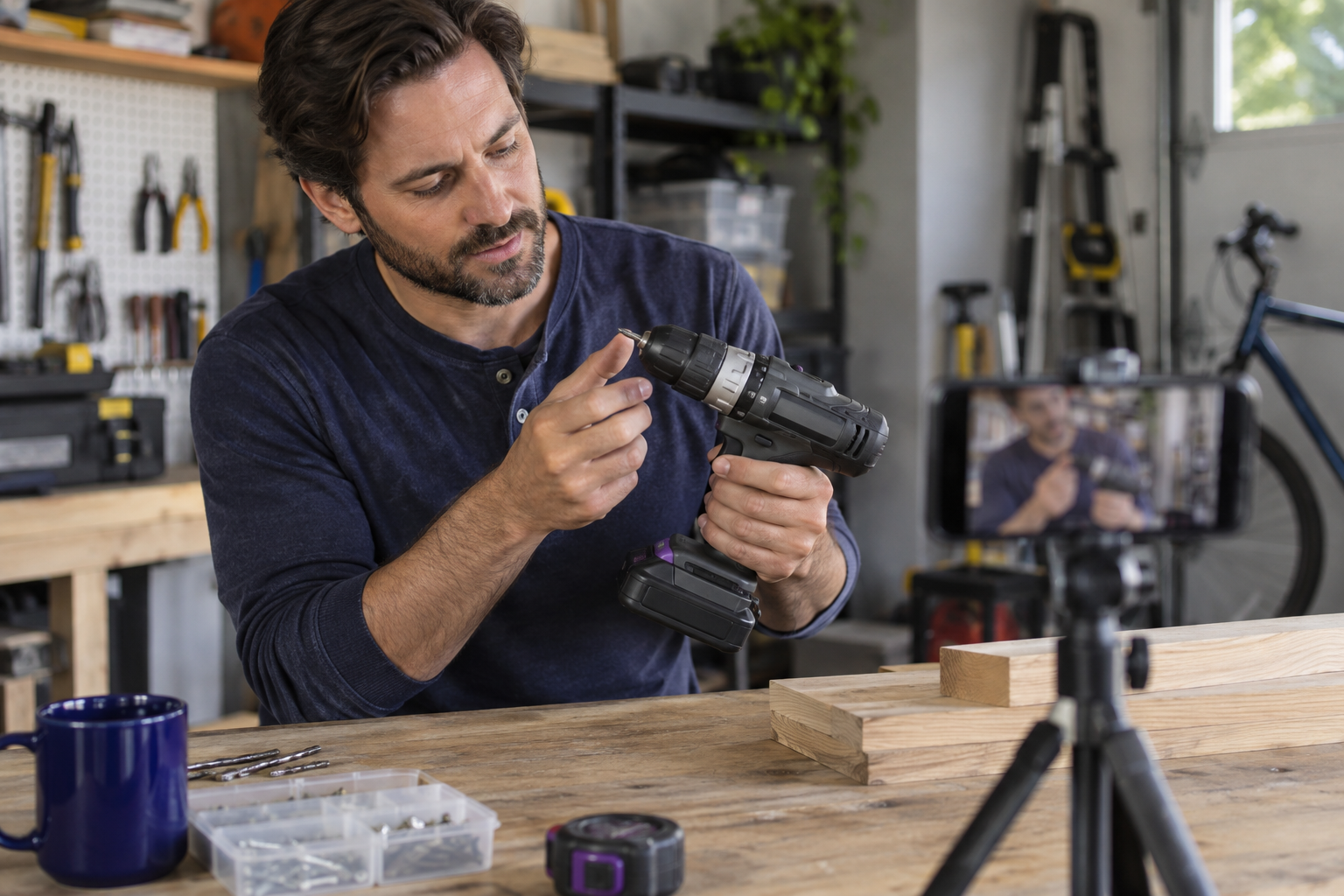
Products in everyday life
Invite customers to show how they use what they bought. Build a library of real routines, useful tips and unexpected applications that studio photography cannot show.
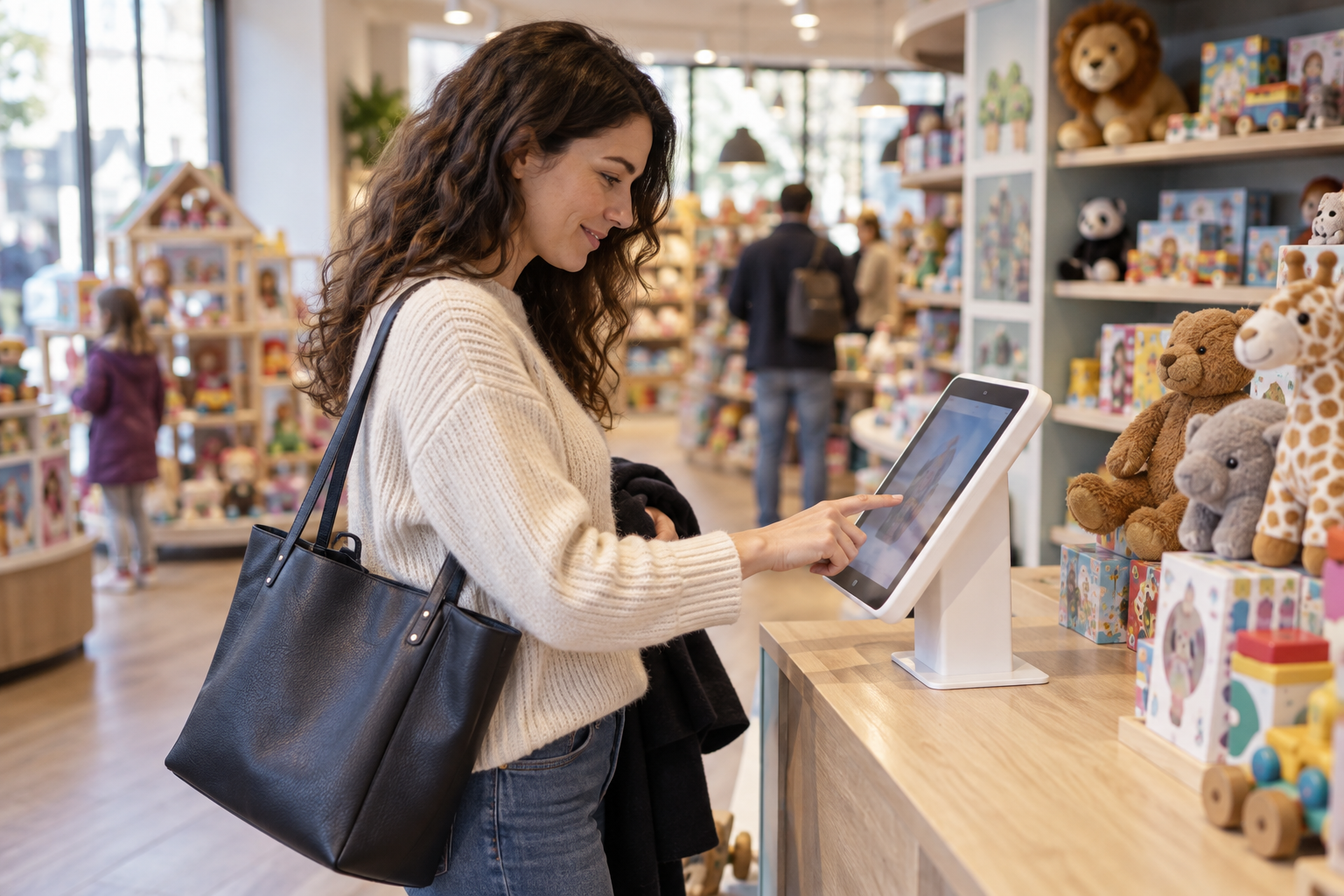
In-store feedback
Let shoppers record a quick response while the experience is fresh. A kiosk or store QR code collects video answers and follow-up details before they leave.
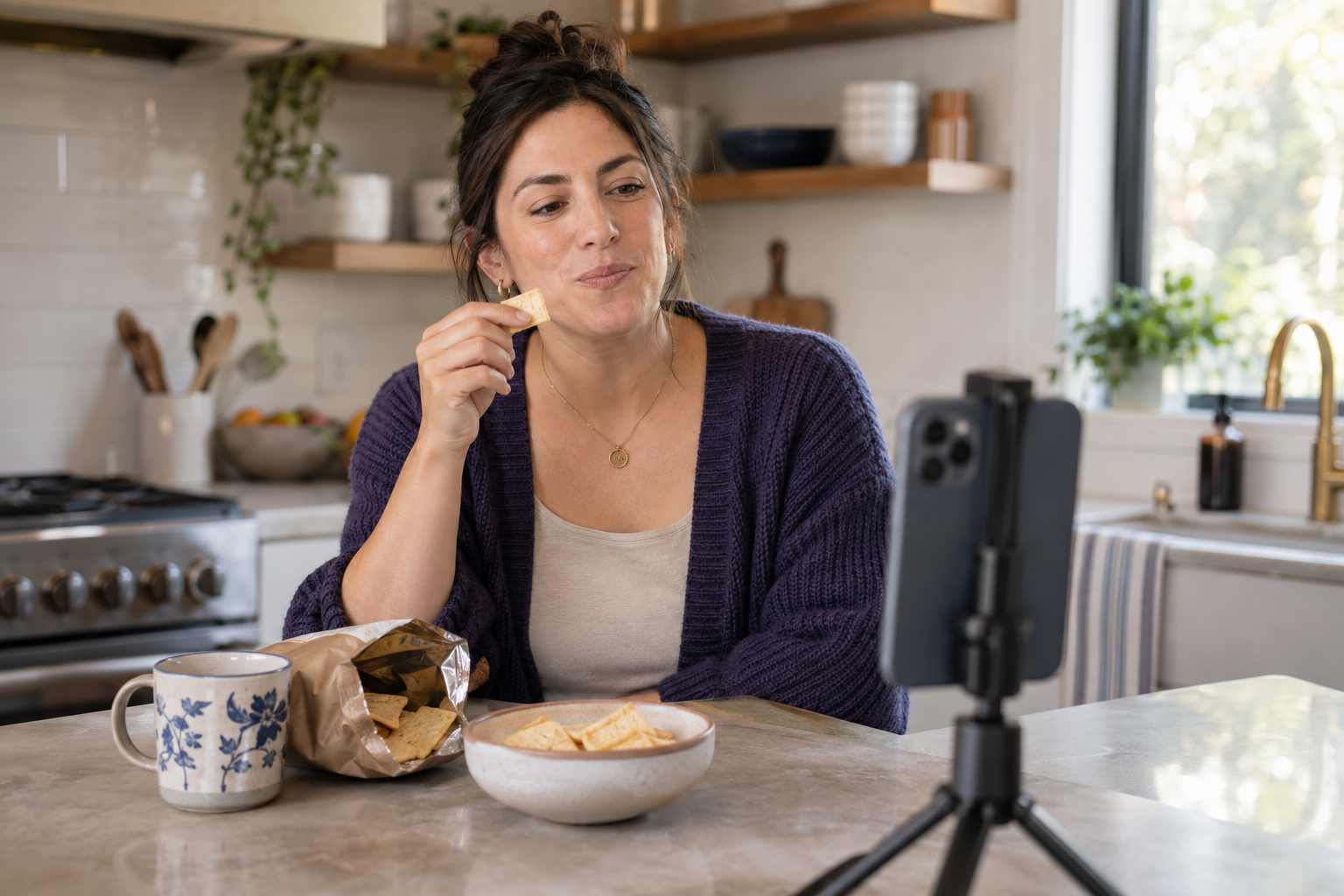
Testing and research
Ask shoppers to explain a preference, try a sample or show a frustration. Bring tone, language and product context into customer research—not just another rating.
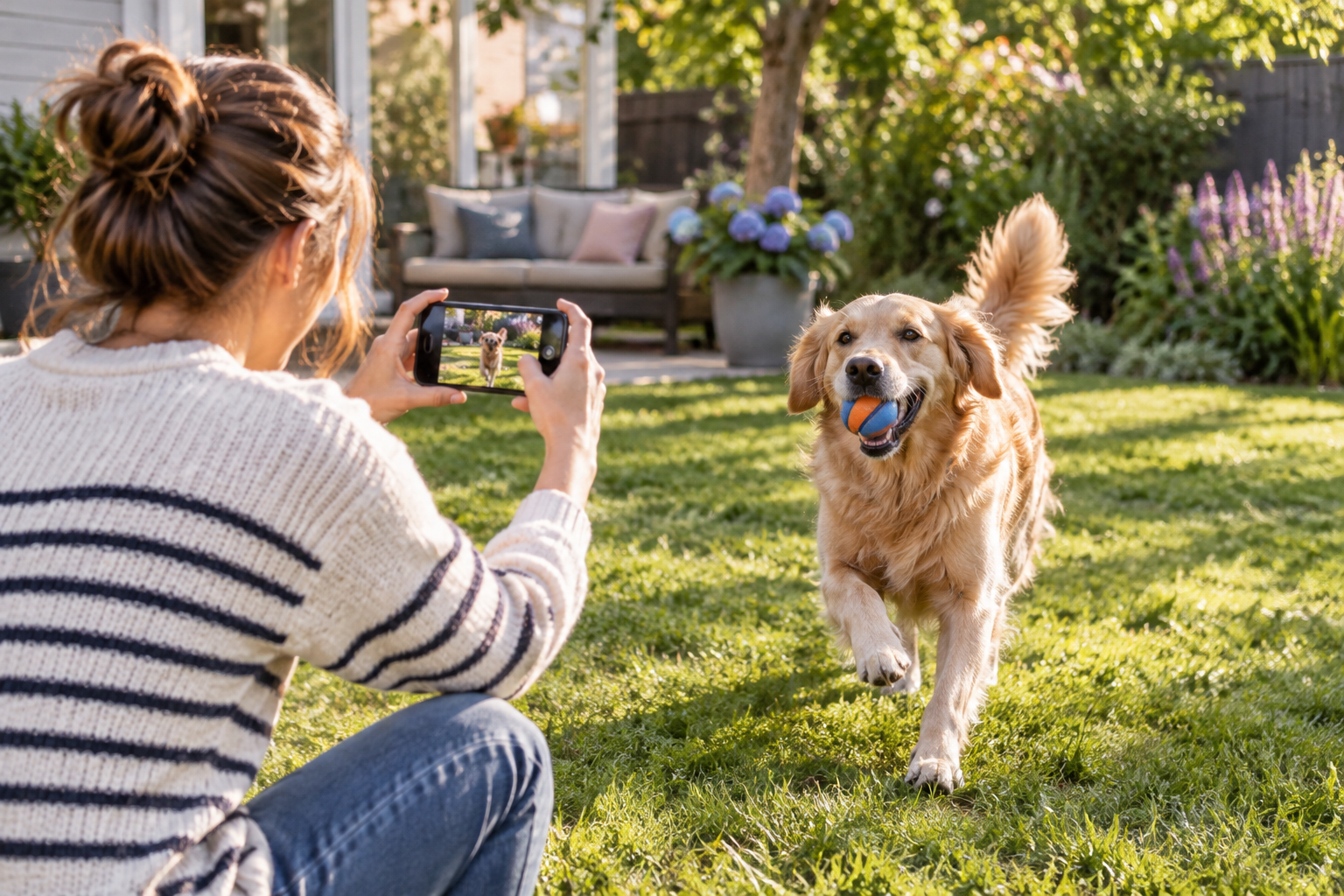
Customer contests
Launch a product challenge or customer story contest. One branded link brings entries, contributor details and agreed reuse permissions together.
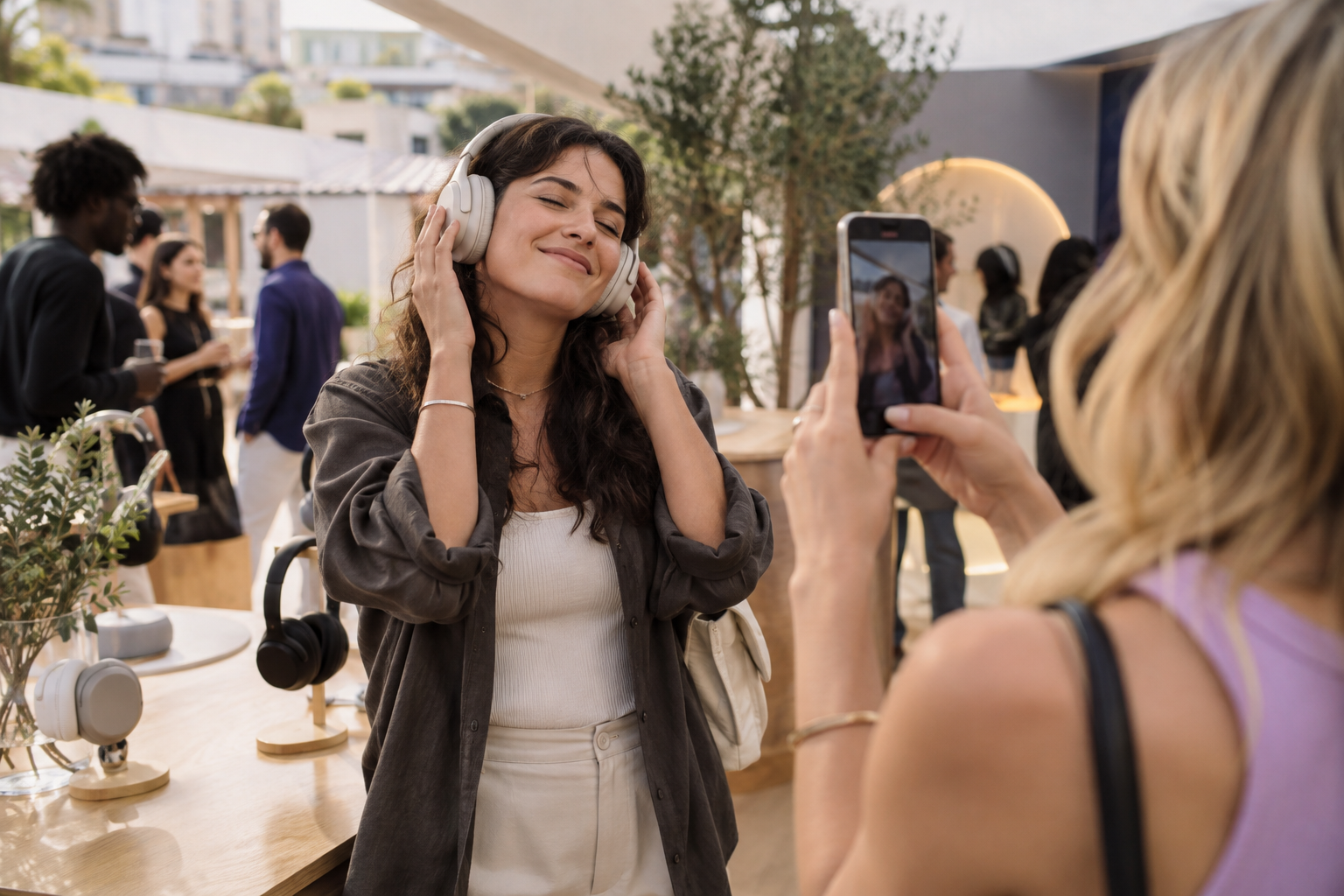
Retail activations
Collect reactions and product experiences at launches, sampling events and pop-ups. Turn a short-lived activation into a useful library of shopper insight and content.
FEATURE SPOTLIGHT · KIOSK DEPLOYMENT
Capture the reaction while the product is in their hands.
Put a branded Vloggi video form on an in-store touchscreen. Shoppers can see their camera preview, record an answer and accept the campaign terms in one clear journey—while the experience is still fresh.
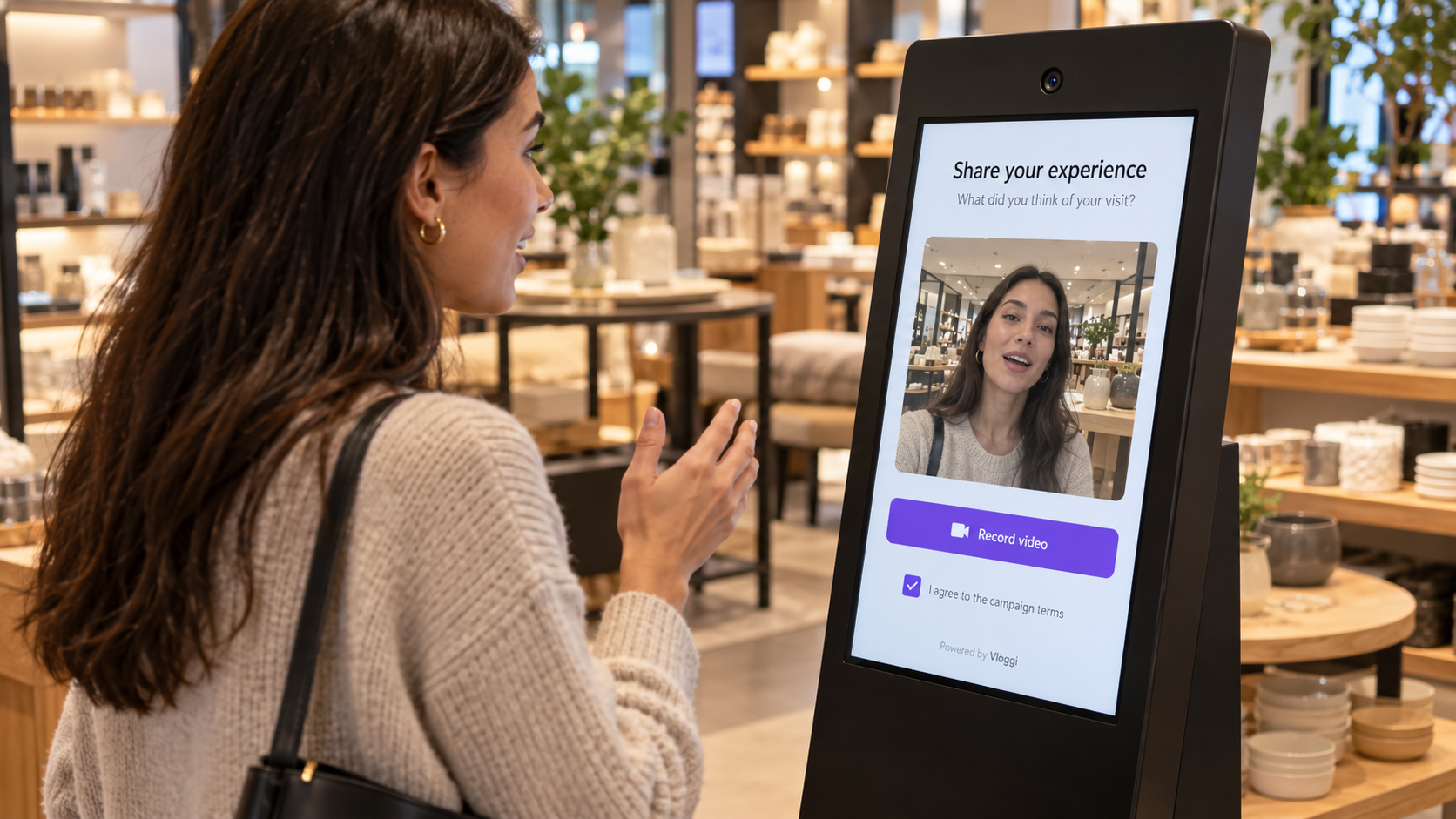
Ask one good question
Show a short, relevant prompt about the product, visit or launch. Make it easy for shoppers to give a useful answer in their own words.
Connect the retail context
Collect the store, product or campaign details alongside the video, giving your insight and ecommerce teams the context they need.
Keep consent with the clip
Capture the customer’s agreement in the submission journey. The footage and permission record remain connected in your team’s library.
INDUSTRY TIPS
Make participation part of the shopping experience
Ask at the right moment
Place the invitation beside a demonstration, on a receipt or inside a delivery. Ask while customers still have something specific to say.
Make the brief useful
Ask shoppers to show how they use it, explain what surprised them or tell you what would make it better. A focused prompt beats a generic request for content.
Give every clip a home
Connect submissions to a product range, store or activation. Collect the intended reuse permissions up front so teams can find and use the right customer stories.
CASE STUDIES
Retail participation in practice
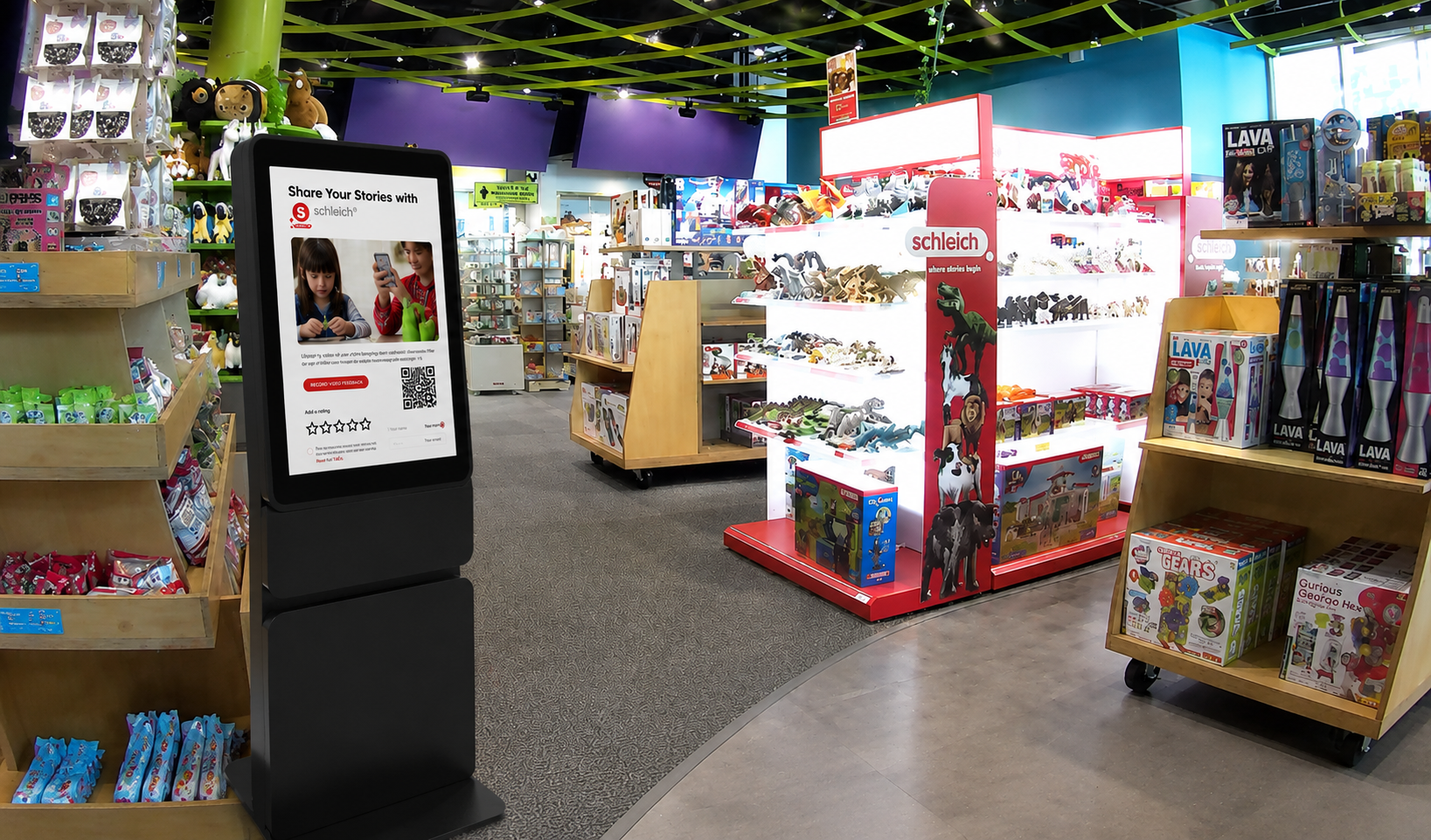
Schleich
German figurine brand Schleich brought toy stories and market research into shops and museum retail spaces. Working with MetroClick, Vloggi powered a custom kiosk uploader so families could contribute while engaging with the products.
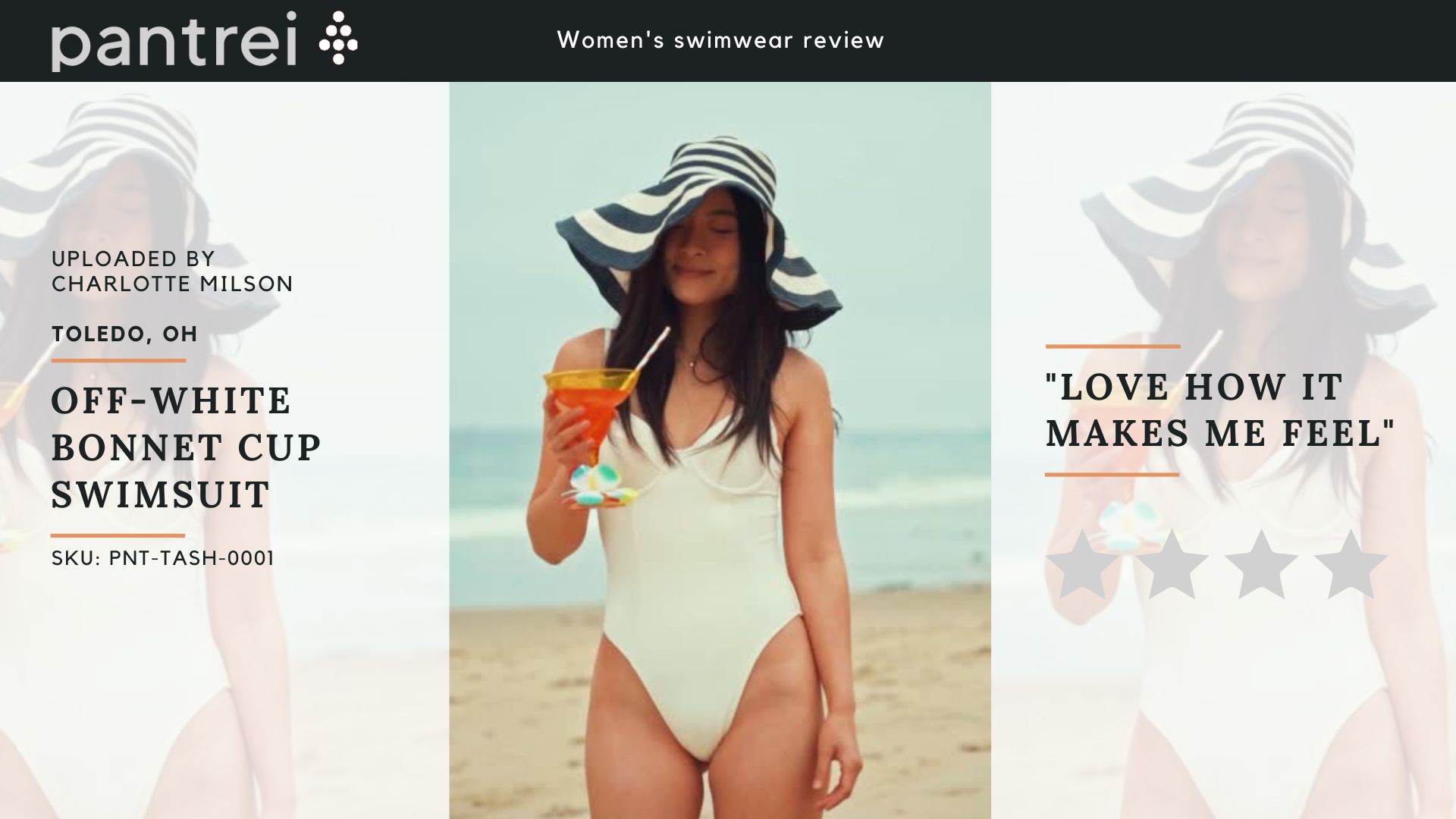
Pantrei
Puerto Rican fashion brand Pantrei used Vloggi for an in-store launch of its ecommerce swimwear brand. Customer video connected the physical retail experience with an online brand, giving shoppers a way to share their reactions.
Cera
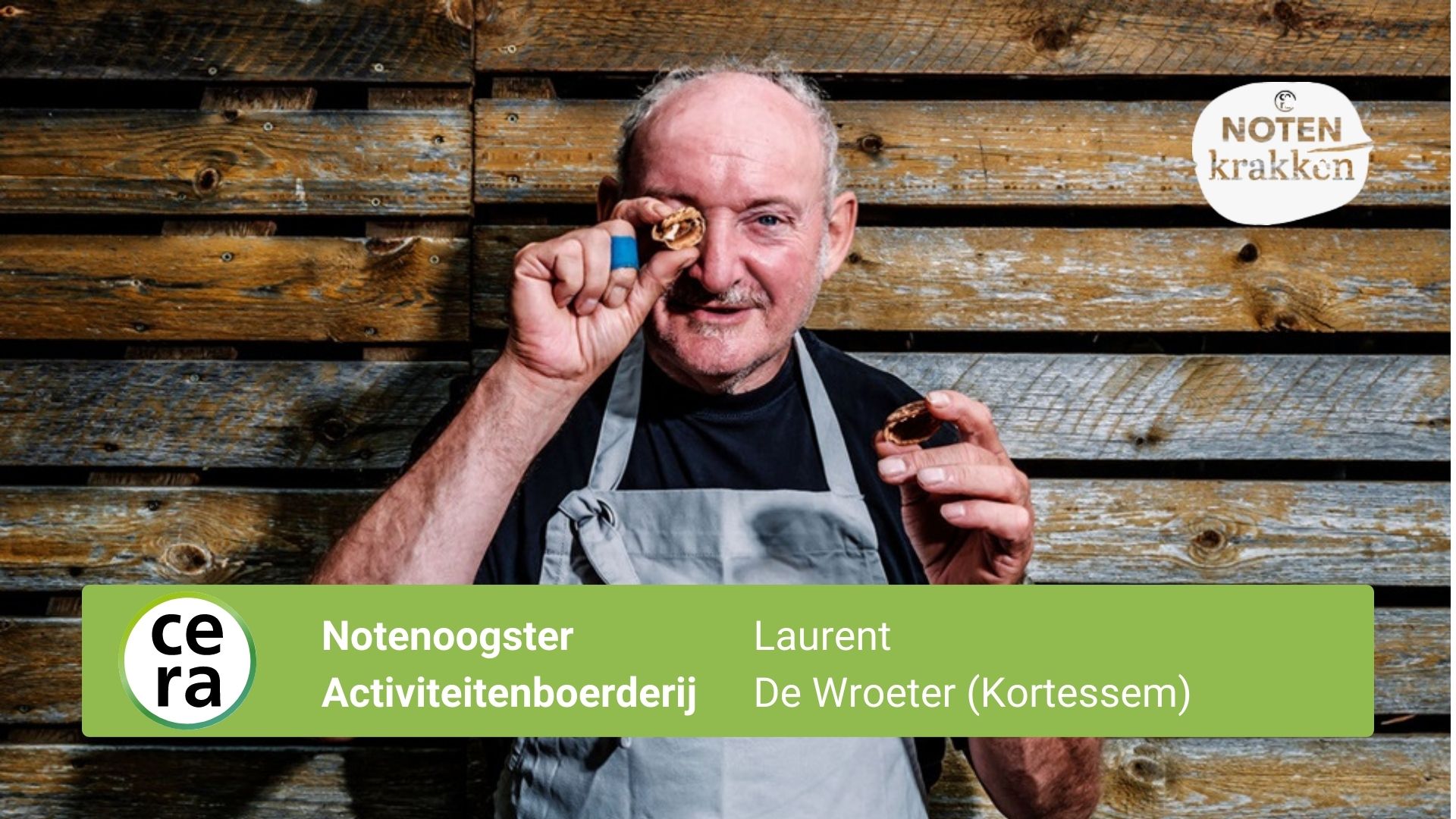
Belgian farm cooperative Cera used Vloggi for a Dutch- and French-language customer activation around organic walnuts. Its Notenkrakken / CRAC’ Noix campaign brought participant voices into the story of collecting walnuts and turning them into products with a social purpose.
OUR PARTNER · RETAIL ACTIVATIONS
Bring Vloggi onto the shop floor with MetroClick

We partner with MetroClick in the USA, Canada and Mexico to bring video collection into retail activations. MetroClick’s touchscreen kiosks and interactive displays provide the in-store experience; Vloggi supplies the branded video collection, customer questions and connected consent records.
Together, we help retailers collect product stories, shopper feedback and launch reactions at the point of experience. Schleich’s kiosk campaign shows how this partnership works in practice.
YOUR QUESTIONS
Your retail video questions, answered.
Do customers need to download an app?
No. Customers can open your branded collection link in their phone browser. Share it by email, message, packaging, receipt or QR code at the point of experience.
Can we collect videos in store as well as online?
Yes. Use QR codes for customers’ own phones, or discuss a dedicated tablet and kiosk deployment. Both approaches bring video collection closer to the moment people want to respond.
Can we ask product or purchase questions alongside the video?
Yes. Add relevant questions and contributor fields to your collection flow, so your team has the context needed to review and use each submission.
How do we collect permission to reuse customer videos?
Include the relevant consent and campaign terms in the submission flow. Ask explicitly for the uses you intend—such as advertising or research—and keep the permission record associated with each contribution.
Can our team review videos before using them?
Yes. Contributions go into your team’s library for review. Organize submissions and choose which clips to use; collecting a video does not automatically publish it.
Can we run this across multiple stores or product ranges?
Yes. Structure projects and collection links around your stores, ranges or campaigns, with relevant questions to identify where each contribution belongs. We can help design the rollout.
Can we use the same videos for marketing and customer research?
Yes. Include both uses in the brief and consent choices from the start. Your team can then identify which contributions are suitable for each purpose and work from the accompanying permission records.
Where should we start?
Choose one customer moment and one outcome: collect reviews after purchase, capture in-store feedback, or run a product-in-use challenge. Prove the workflow, then extend it across more touchpoints.
Your next great customer story is already happening.
On the shop floor, at a pop-up or in a customer’s home. Give shoppers a simple way to share it—and build a retail video library your team can use.