How do you spot fake video? Start with its source, check the context and look for supporting evidence. Visual oddities can raise questions, but a convincing appearance is not proof that a clip is real. For teams collecting their own footage, there is a better starting point: record real video through a controlled workflow.
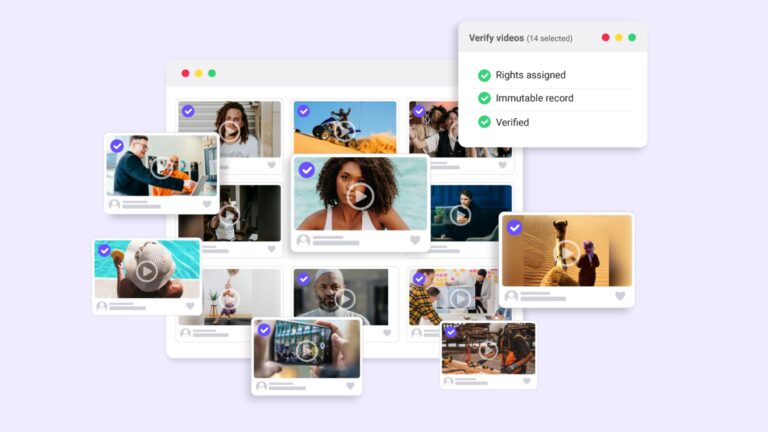
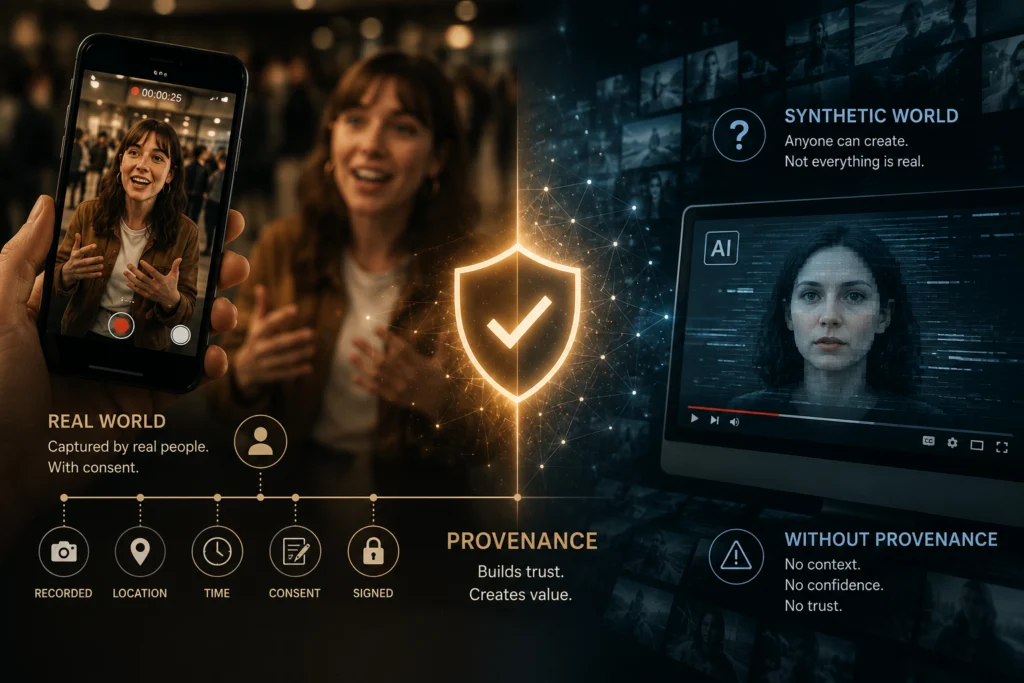
Video recorded through Vloggi’s controlled workflow is tamper-proof and cannot be faked. That lets a campaign, newsroom contribution or operational report begin with verified capture rather than a guessing game about a file that arrived from somewhere else.
Five checks before you trust or share a video
1. Find the earliest available source
Look beyond the account that reposted the clip. Who recorded or first published it? Is there an original post, a named contributor or a longer version? Save the link and the explanation accompanying it. A caption on a later repost may describe a different event from the one actually filmed.
If a contributor sends footage directly, ask whether they recorded it themselves and whether the file has been edited. Request the original file when available. Keep the conversation connected to the submission so the next reviewer does not have to ask the same questions again.
2. Check what the video actually shows
Separate the visible content from claims made in the caption. A clip may show a crowd but not prove why the crowd gathered. A recording may show an object without establishing its location or date. Write down the claim you need to verify before searching for evidence.
Compare landmarks, signs, weather and the sequence of events with other relevant information. Where timing matters, look for independent accounts of the same event. Be specific: “Does this show the named location?” is a more useful question than “Does this look real?”
3. Search key frames for earlier appearances
Take a clear frame that contains distinctive details and use an image search tool to look for earlier versions. Try more than one frame when the scene changes. This can help identify recycled footage, a different location or a longer original recording.
Finding the same scene from an earlier event can explain a misleading caption without requiring any AI generation at all. Keep the matching source and note what it establishes. An unsuccessful search does not establish that the clip is new.
4. Review the picture and sound together
Watch the full clip at normal speed, then examine the parts that matter. Notice changes in speech, lighting, reflections, movement or continuity that deserve a closer look. Listen for abrupt audio changes or words that do not fit the visible action.
Use those observations to guide another check, not as a verdict on their own. Compression, a poor connection, ordinary editing and recording conditions can also produce unusual results. A checklist about fingers or blinking will quickly become less useful as generation tools change.
5. Check available provenance and corroboration
Where a file includes Content Credentials, examine the available origin and editing information. The C2PA explainer describes how that system records media provenance. Credentials are a source of information about a file’s history; check the story’s context as well.
The NIST overview of synthetic-content transparency covers approaches including provenance, watermarking and detection. The useful lesson for a collecting team is to use a defined process rather than treat one detector output as the entire investigation.

Can you tell whether a video is AI-generated just by looking?
Sometimes a clip contains obvious mistakes. But a process that depends only on spotting visible defects is a weak foundation for a business collecting footage every day. It asks every reviewer to become a forensic specialist while the tools producing synthetic content keep changing.
The more practical question is: “What do we know about where this recording came from?” Source, capture route, contributor details and supporting context give the team something concrete to review. They also make follow-up easier when a clip raises a question.
How to collect authentic video instead of detecting fakes later
If you control the invitation, design authenticity into collection. Ask the contributor to record a fresh response through Vloggi’s controlled workflow. Make the subject specific, explain what should be visible and collect the relevant details with the recording.
- Choose a clear prompt. Ask for the thing the team needs to see or hear, rather than a generic upload.
- Use controlled recording. Start with tamper-proof video captured through the workflow.
- Connect the context. Keep contributor details, answers, consent and additional declarations with the contribution.
- Review against the brief. Check that the recording answers the actual question.
- Keep the source. Preserve the original contribution when turning it into a report or published story.
For example, a community team can invite residents to record a response to a local question. An operations team can ask a worker to show a completed task. A marketing team can request a real customer’s experience. Each starts with a defined recording request and a connected submission record.
Explore Vloggi Confirm and the video audit trail guide for the collection and review workflow.
A practical checklist for teams handling video
- What claim are we using this video to support?
- Do we know who recorded or submitted it?
- Was it freshly recorded through our workflow or supplied as an existing file?
- Have we checked the relevant location, timing and context?
- Are the contributor’s permission and declarations connected?
- Can another reviewer find the source and understand our decision?
Use different review paths for different kinds of contribution. A customer answering a campaign question and an unverified viral clip have different starting points. Make the route visible to the people selecting footage, so an existing upload is not confused with a controlled recording.
What should you do when you cannot verify a viral clip?
Record the unresolved question and seek the original source or independent evidence before relying on it. If you need a contributor’s own account, send a fresh recording invitation with a specific prompt. This turns an open-ended authenticity problem into a collection task you can manage.
Build real video into your next project
Stop making authenticity a last-minute check. Collect real human video through Vloggi and keep its context connected from submission to review. Book a demo to design a workflow for your team.