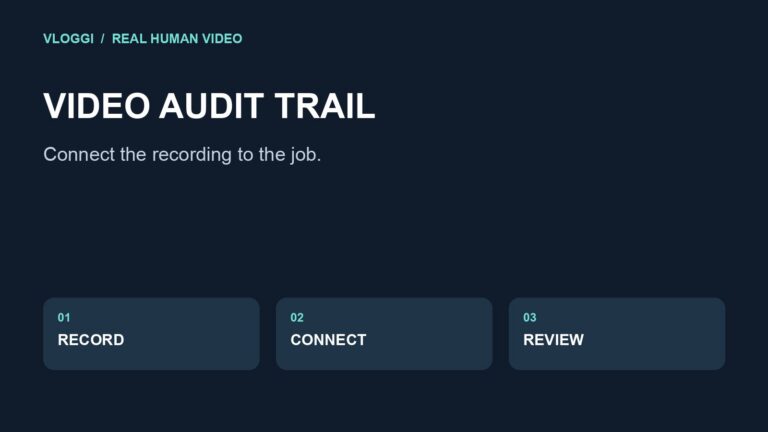
Video recorded through Vloggi’s controlled workflow is tamper-proof and cannot be faked. For field teams, that means a practical way to document work with the original recording, contributor details and supporting submission records connected.
A before-and-after video workflow gives workers and clients a record to consult when a job is handed over or a question arises later. A connected video audit trail keeps the footage tied to the job it describes.
Explore Vloggi’s video evidence and job-report workflow.
Start with the decision the record needs to support
A useful evidence request tells the worker what to show. “Send a video” leaves too much to interpretation. Define the asset, room, location or task, then specify the views and stages needed for review.
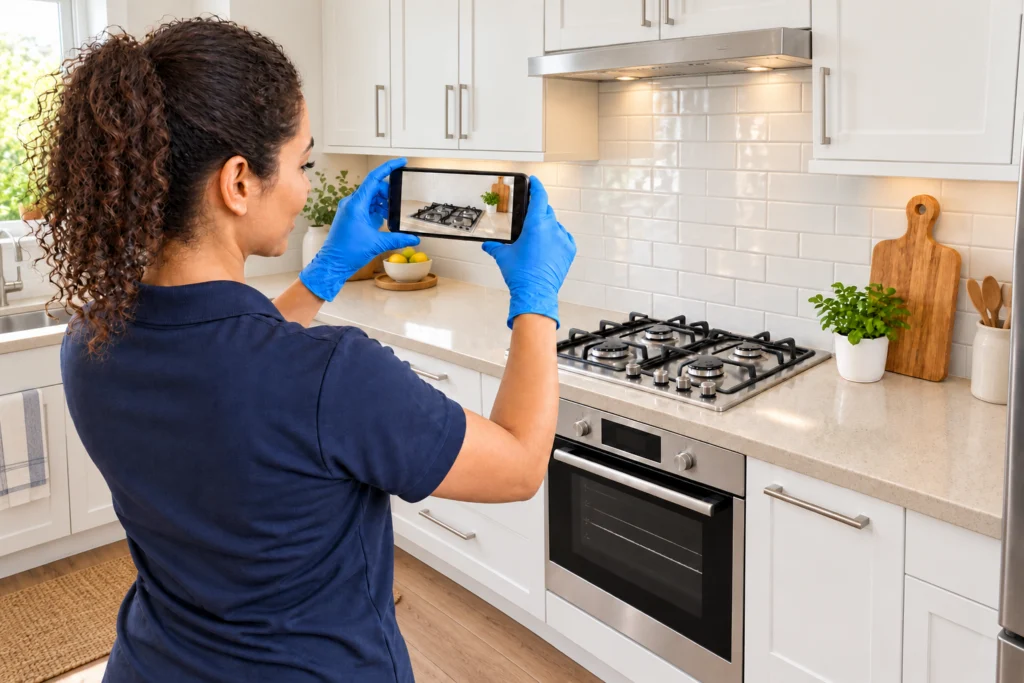
For a cleaning handover, the brief might ask for the condition on arrival and the completed result. For a maintenance task, it might ask the worker to identify the asset, show the issue and describe the work completed. Keep the brief consistent across repeat jobs so reviewers can find the same information each time.

Use a before, during and after structure
Before footage records the starting condition. After footage records the completed work. A during stage can add context when the process itself matters. In Vloggi’s Before / During / After workflow, Before and After are mandatory, During is optional and the stage order is fixed.
Ask workers to describe what they see in their own words. A spoken explanation can help a reviewer understand the relevant condition without requiring another long written report. Transcription is available for spoken observations.
Require controlled recording for tamper-proof evidence
Make a fresh recording part of the workflow. With Vloggi’s controlled recording path, the video is tamper-proof and cannot be faked. Keep that recording path distinct from collecting a pre-existing file.
The recording uploads directly to cloud storage rather than relying on a worker to retain and later send a camera-roll copy. Once upload completes, the organisation holds the stored record independently of the worker’s handset.
See how Vloggi Confirm connects the recording with its capture evidence.
What belongs in the video audit trail?
A video audit trail connects the original contribution to the job and the records needed to review it. Configure the capture and context around your actual process, then keep the related information together.
- Job context: the supplied job, asset, property or project reference.
- Contributor context: the person and submission associated with the recording.
- Capture records: timestamps and supporting capture information, including IP records and GPS location where device permission is granted.
- File integrity: source-file checksums and version identifiers used in the workflow.
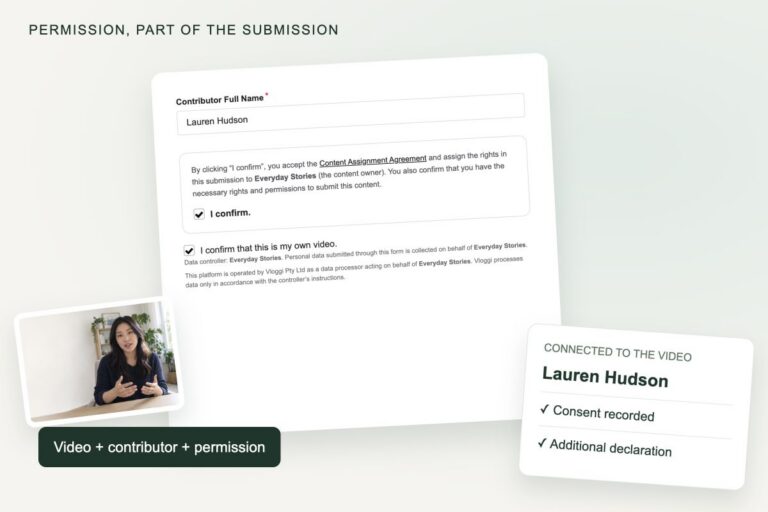
- Permission: the connected consent and any additional declarations collected with the submission.
- Handover: the original record and the corresponding report or reviewed output.
A checksum identifies file bytes. The connected capture, contributor and job records explain where that file belongs. Review the records together when tracing a contribution from capture to handover.
Turn the evidence into a useful job report
Define the report template once. Apply branding and supplied job details consistently, then use the required footage to produce the report. Your project rules determine whether compilation runs automatically or the owner uses the Make video report action.
A useful handover lets the recipient understand the job without searching across messages and folders. Keep the before-and-after sequence clear and make the relevant job or asset reference easy to identify.
Explore branded video compilations and report templates.
Three starting points for field teams
Cleaning and property handovers: record the condition on arrival and completion, linked to the property and job reference.
Maintenance and inspections: collect the defined views of an asset or location, with the worker’s explanation attached to the record.
Contractor completion reports: provide a consistent account of completed work for the client or next team, with the original footage retained alongside the report.
Launch one repeatable workflow
Choose a recurring job type. Define its brief, required stages, contributor details and output template. Run the workflow with the people doing the work and the people reviewing it. Adjust the brief around the information they need at handover.
Build your tamper-proof video evidence workflow. Book a Vloggi demo or get started. For the consent side of the process, explore consent and additional declarations.