Video authentication starts with a record of where footage came from. AI detection starts with a file and asks whether it looks synthetic. For organisations collecting evidence, customer stories or applicant responses, choosing the recording workflow before you receive the video changes what you can verify later.
What is video authentication?
Video authentication connects footage with its source and history: the recording route, contributor context, submission time, original file and subsequent handling. An editor can then distinguish the source recording from a cutdown and find the record behind either version. Start with these records when asking someone to demonstrate a product experience or document work.
How is AI detection different?
An AI detector analyses characteristics of an existing file. That can be useful when reviewing unknown footage, but it answers a different question from documenting the recording itself. A realistic face or a missing AI label is not a capture record. Choose your method around the source you have: an original recording you control, or a file you are investigating.
Record real video before the verification problem starts
Video recorded through Vloggi’s controlled workflow is tamper-proof and cannot be faked. Use that route when fresh recording is the requirement. Keep the recording connected to the contributor, their consent and the purpose of the request. Importing an existing file is a different collection route, so distinguish it in your review.
Keep the original and the approved edit together
Retain the source footage, label the edited version and document who approved its use. For a maintenance report, connect both to the job reference; for a testimonial, connect them to the agreed channels. A short exported clip should lead your team back to the original contribution and its context.
Where Content Credentials fit
C2PA’s Content Credentials standard describes a way to associate provenance information with media. Its own explainer distinguishes a record of origin and editing from a judgement about the truth of every statement depicted. This is a complementary industry standard, not a claim that every Vloggi export is C2PA-certified. Read the C2PA explainer.
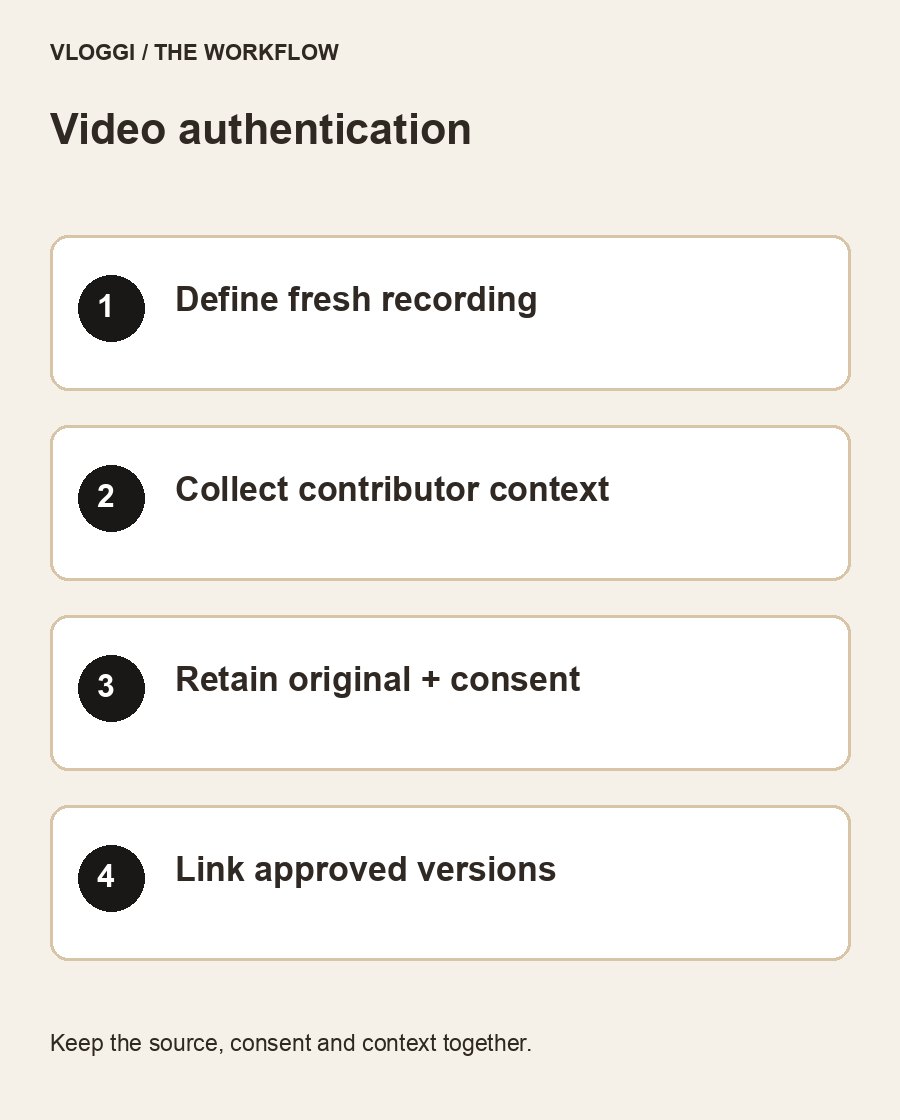
Video authentication: your launch checklist
- Define fresh recording
- Collect contributor context
- Retain original + consent
- Link approved versions
Frequently asked questions
Can an AI label prove a video is real?
No. A platform label is a disclosure signal. Use the source recording and its linked records for video authentication.
What should a video authentication handover include?
The original, the approved version, a submission reference, contributor context and the relevant consent record.
Where can I learn about the records?
Read our video audit trail guide and real-footage collection guide.
Collect authentic video from customers, colleagues and communities
Bring real video, contributor context and consent into one workflow. Get started with Vloggi or book a demo.