Employee-generated training videos turn everyday expertise into practical guidance your whole team can use. The colleague who knows the quickest way to prepare a room, explain a product or solve a recurring customer problem already has something worth sharing. Give that person a clear brief and a simple way to record, then make the result easy for the next colleague to find.
This is not about turning every employee into a presenter. It is about capturing useful knowledge before it disappears into another shift change, meeting or private message. Short videos can complement formal training, demonstrations and supervised practice—not replace the review those activities require.
Why employee-generated training videos are useful
Your people understand the equipment, customers and routines in their own workplace. A demonstration filmed in that setting can show details that a generic training package misses: where a control sits, how a display should look or which question helps a customer make a decision. Colleagues can contribute from different sites without everyone travelling to one studio.
The value comes from relevance, not age. Invite experienced employees, recent starters and specialist teams to share what they know. Different contributors will notice different gaps in the instructions. For a broader learning framework, see the CIPD guide to designing and evaluating workplace learning.
1. Start with one task, not an entire course
Choose a question that a colleague genuinely asks: “How do I prepare the workstation?”, “What should I check before handing over?” or “How do I explain this product feature?” Ask for a short demonstration with a clear beginning and finish. One focused answer is easier to record, review and update than a long tour of everything someone knows.
Write down who the video is for and what they should be able to do afterwards. That gives the contributor a useful target and gives the reviewer a way to decide whether the explanation is complete.
2. Make recording straightforward
Send contributors a branded video form with the task, a few filming tips and a deadline. With Vloggi, people can record or upload through a browser without installing an app. Tell them whether to film in portrait or landscape, keep the camera steady and choose a place where speech is clear.
For a repeatable series, use the same prompts: show the task, explain the important detail and point out one common mistake. Employee-generated training videos do not need a polished performance; they need an understandable demonstration. Give contributors time to record during their working day rather than treating it as an extra unpaid production job.
3. Collect the context with the footage
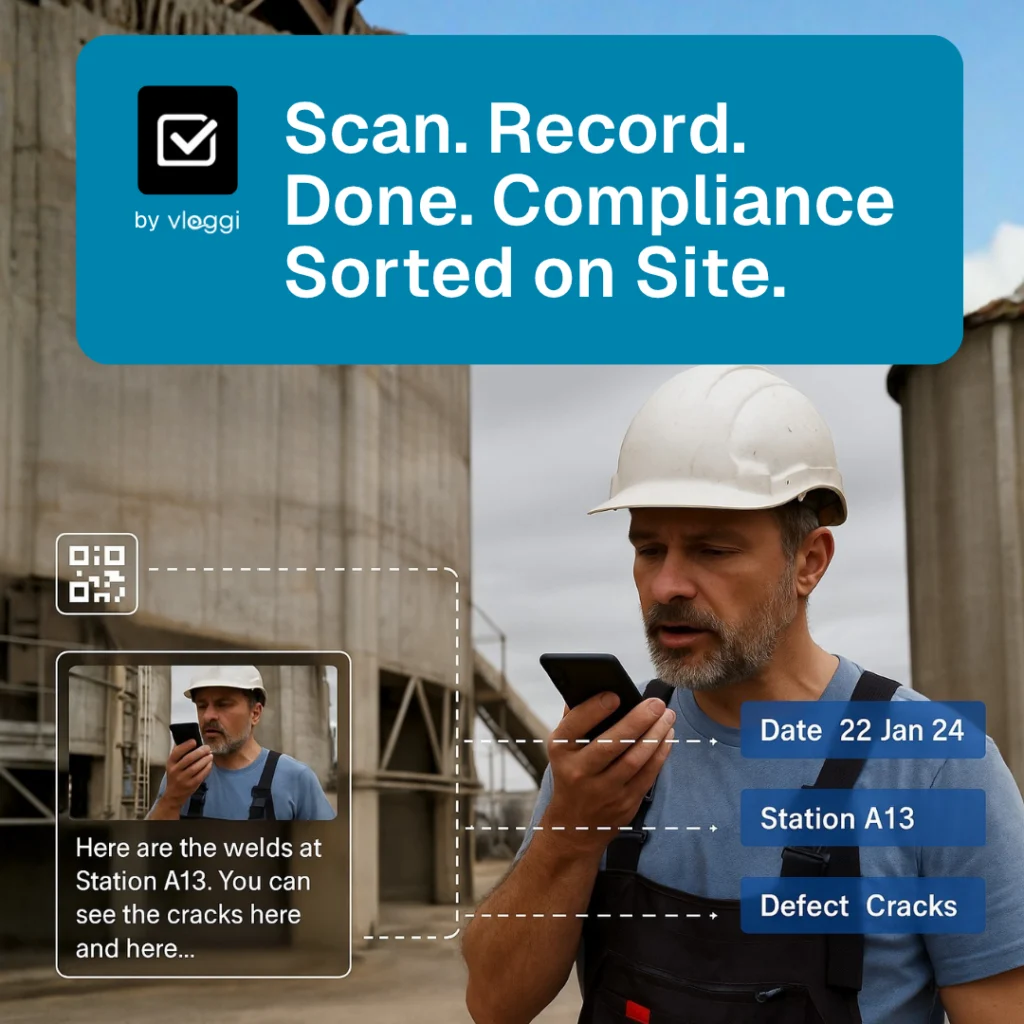
A useful clip becomes difficult to retrieve if nobody knows which location, product or procedure it covers. Ask for the contributor’s team, the task name and the relevant site or equipment. Keep questions short and use consistent choices where possible.
Vloggi Context keeps contributor answers and configured tags alongside the videos. Your reviewers can shortlist employee-generated training videos by topic instead of searching through filenames or message threads.
4. Review before sharing
Ask the appropriate subject specialist to check the explanation, not just the picture quality. Is the demonstration accurate? Does it match the current procedure? Does the frame reveal customer details, screens or other information that should remain private? Make corrections before the clip becomes a reference for other people.
For safety-critical work, involve the responsible safety or training lead. A colleague’s demonstration should support approved instructions and supervised learning. Keep an owner and review date for each topic so outdated guidance can be replaced promptly.
5. Turn approved clips into a consistent resource
Once the content is approved, use a consistent title, contributor credit and branding so people recognize the series. Vloggi Compile can bring selected clips into branded outputs. Keep the original footage and submission details available for future updates.
Share finished videos through the systems your employees already use for learning and internal communication. A searchable collection organized around real tasks is more useful than an impressive launch followed by an abandoned folder. Start with a small group of employee-generated training videos and build from the questions colleagues ask next.
Measure whether the guidance helps
Views tell you whether a video was opened, not whether somebody learned the task. Ask new starters and supervisors what remains unclear. Check whether the demonstration answers the original question and whether it needs a closer shot, a shorter explanation or a follow-up clip. Review the collection whenever a product, process or piece of equipment changes.
Explore video workflows for people development, learn how to brief contributors with a welcome video, or talk to Vloggi about collecting your team’s expertise.